01 · Product brief
Start with the real catalogue.
- Example product
- A merchant-selected trail bottle
- Audience
- Customers planning day hikes
- Questions to answer
- Size, care and delivery details, checked against Shopify and store policies
Happify Store Builder · Shopify app in early access
Bring your real Shopify catalogue into one editable website project. Shape the brand, draft the homepage and content pages, preview the result and export your plan.
The website planner is free and works without installing an app. Store Builder is a separate Shopify app in testing; its App Store listing has not been submitted. Theme publishing, rollback and Shopify page sync are unavailable.
An illustrative product journey
This example shows a planning workflow. Review every product fact before using the draft.
01 · Product brief
02 · Page concept
Illustrative homepage copy
Ready for the trail ahead.
Explore the collection, then review the product’s current options and availability in Shopify.
Explore productsAI copy is a starting point. It must be checked before the merchant accepts it into a project.
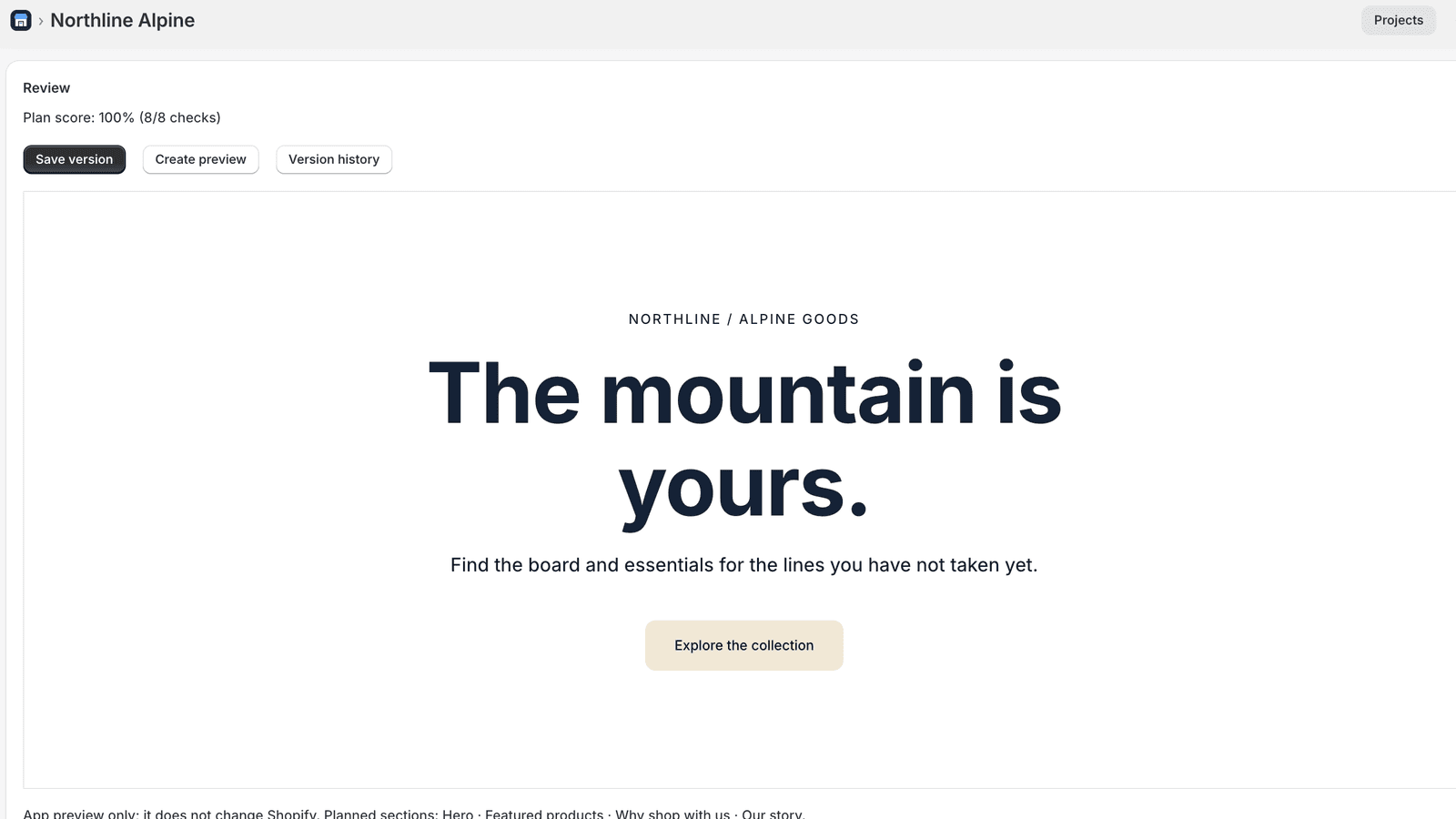
03 · Project review
Planning and previewing leave your live Shopify theme unchanged.
AI when you want it
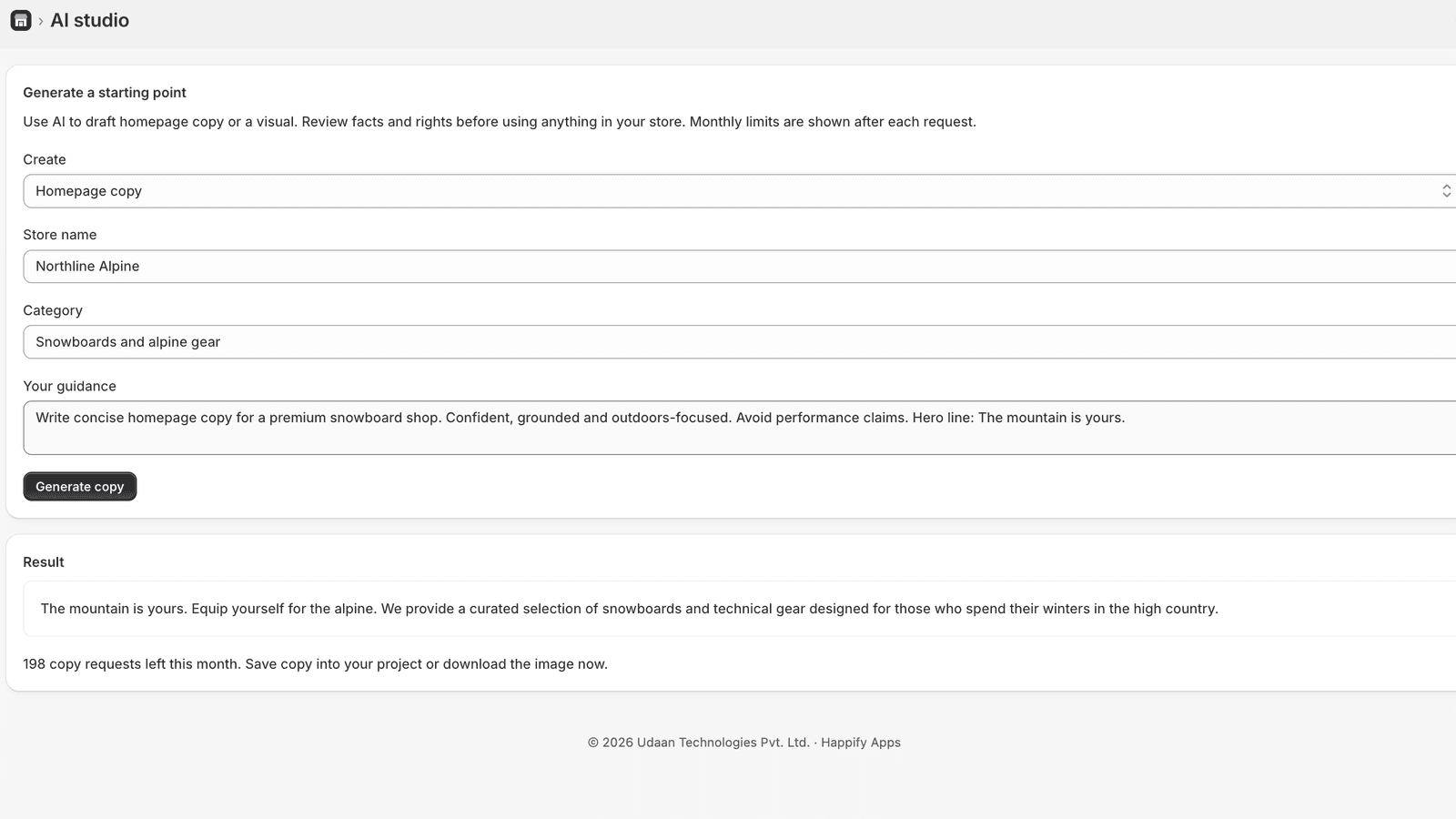
Gemini can suggest homepage copy and create a downloadable hero visual on Advanced and Pro. Edit the copy in your project, review factual claims and image rights, and save the direction you approve.
The app does not automatically rewrite product descriptions, prices or policies.
How it works
See your actual products, variants and prices. Resync when the catalogue changes.
Choose a design direction, write the homepage and add content pages. Keep each direction as a version.
Review the homepage sections and content-page previews before touching the live store.
Download your project as JSON to keep a copy of your plan and share it for implementation.
Built around your catalogue
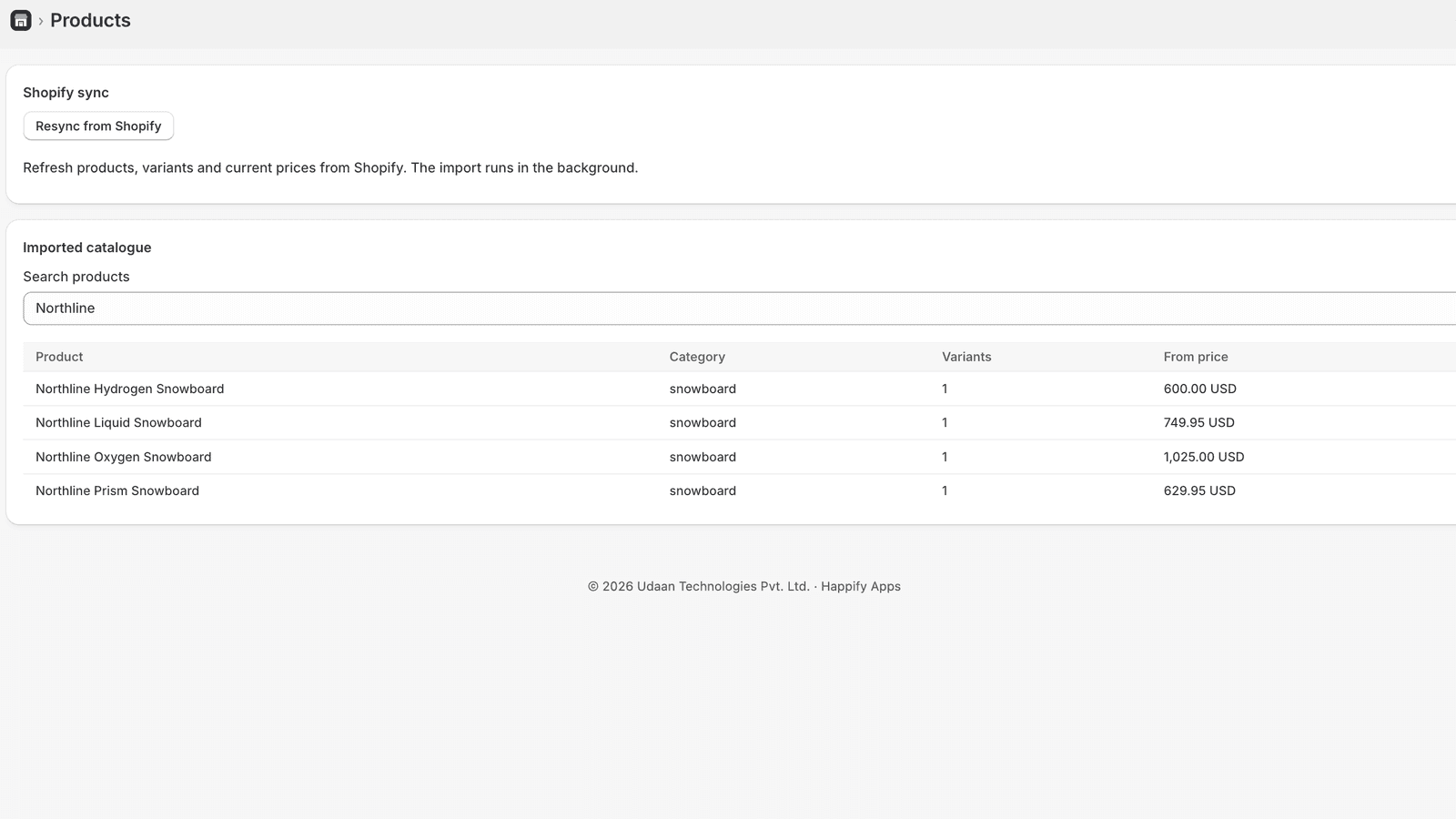
Resync products and variants from Shopify so your planning starts with the items you actually sell. The app reads this data to help build your site. It never changes an existing product’s price; a discount or a new draft product happens only after you review and confirm it.
Design, review, refine
01 / Brand kit
Set colours, type and a design family once. Generated sections and pages inherit the direction you chose.
02 / Page builder
Write the homepage, feature products, add trust and story sections, and create About, Contact or other content pages.
03 / Safety
Inspect page previews before handoff. Advanced and Pro include saved project versions so you can revisit an earlier direction.
What the app does
Import Shopify products, variants and current prices, then resync when the catalogue changes.
Edit brand colours, theme direction, a homepage hero and sections, plus About, Contact and other content pages.
Preview the homepage and content pages, inspect the plan score, and save versions without changing Shopify.
Download a project JSON file or export your Store Builder account data from Settings.
Advanced and Pro can generate homepage copy and downloadable hero images, with clear monthly limits.
Advanced and Pro include saved project versions and a progress and AI-usage view.
Why use the website?
The guided planner recommends a theme, store kit, app stack and launch checklist. It saves on your device and can export a plan for handoff. It does not connect to or change your Shopify store.
Open the free plannerWhy install the Shopify app?
The app syncs your catalogue, keeps cloud projects and offers page previews and project exports. Advanced and Pro add saved versions and AI drafts.
Join early access for availability updates. Joining does not install the app or start a subscription.
Planned Shopify app pricing
All three plans are monthly in USD and include a seven-day trial. The free website planner does not require a subscription.
$29 / month
For merchants planning a Shopify-connected store.
$59 / month
For teams refining copy and visual direction.
$99 / month
For teams creating more AI drafts.
Pricing is planned for public availability. Joining early access does not start a trial or charge you.
Questions
Your products, content and store stay in Shopify. See how planning, previews and early access work.
No. It runs in your browser, saves locally and exports a plan. The paid Shopify app connects to your store and syncs its catalogue.
Store Builder reads products and prices to inform the plan, and it never changes checkout. It changes products only through actions you review and confirm: editing a product’s title or description text (applied immediately), creating draft products or a draft bundle, and creating a scheduled percentage discount on variants you select. It never publishes those drafts and never changes an existing product’s price or inventory. The selected Shopify theme continues to render product pages until you assign a Store Builder template.
Yes. Draft and preview those pages in your project, then include them in your project export.
The app is still being tested and its App Store listing has not been submitted. Theme publishing, rollback and Shopify page sync are unavailable.
Availability
The Shopify app is in testing and its App Store listing has not been submitted. Join early access for availability updates. Joining this list does not install the app or start billing.