
Happify Jewellery Kit
Help shoppers choose a piece with clear materials, sizing, personalisation and gifting details. Pair the Aurel storefront with a plan for branded paperwork and returning customers.

8 LIVE DEMO KITS
Choose a category-focused theme, see the recommended apps, and understand what you need to prepare. Explore the demos now; theme availability, app fees and setup scope are confirmed separately.
PICK YOUR CATEGORY
Compare the storefront experience and the work behind it. Each kit explains who it suits, which product information to prepare, and which optional apps support your operations.

Help shoppers choose a piece with clear materials, sizing, personalisation and gifting details. Pair the Aurel storefront with a plan for branded paperwork and returning customers.

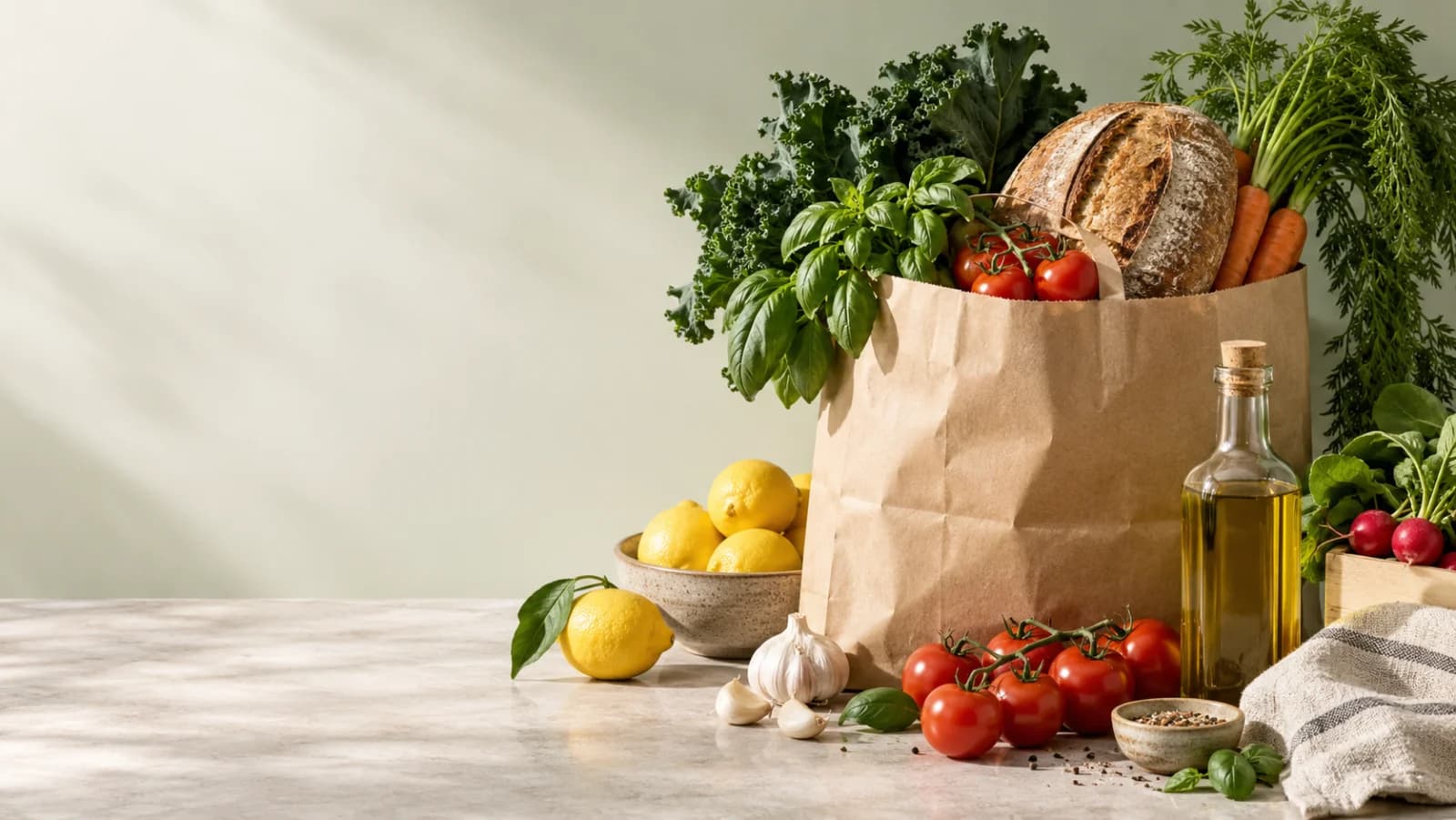
Turn a food catalog into an easy-to-shop storefront, then plan how each basket is picked and delivered. Harvest pairs with delivery-area, delivery-sheet and pick-list tools.

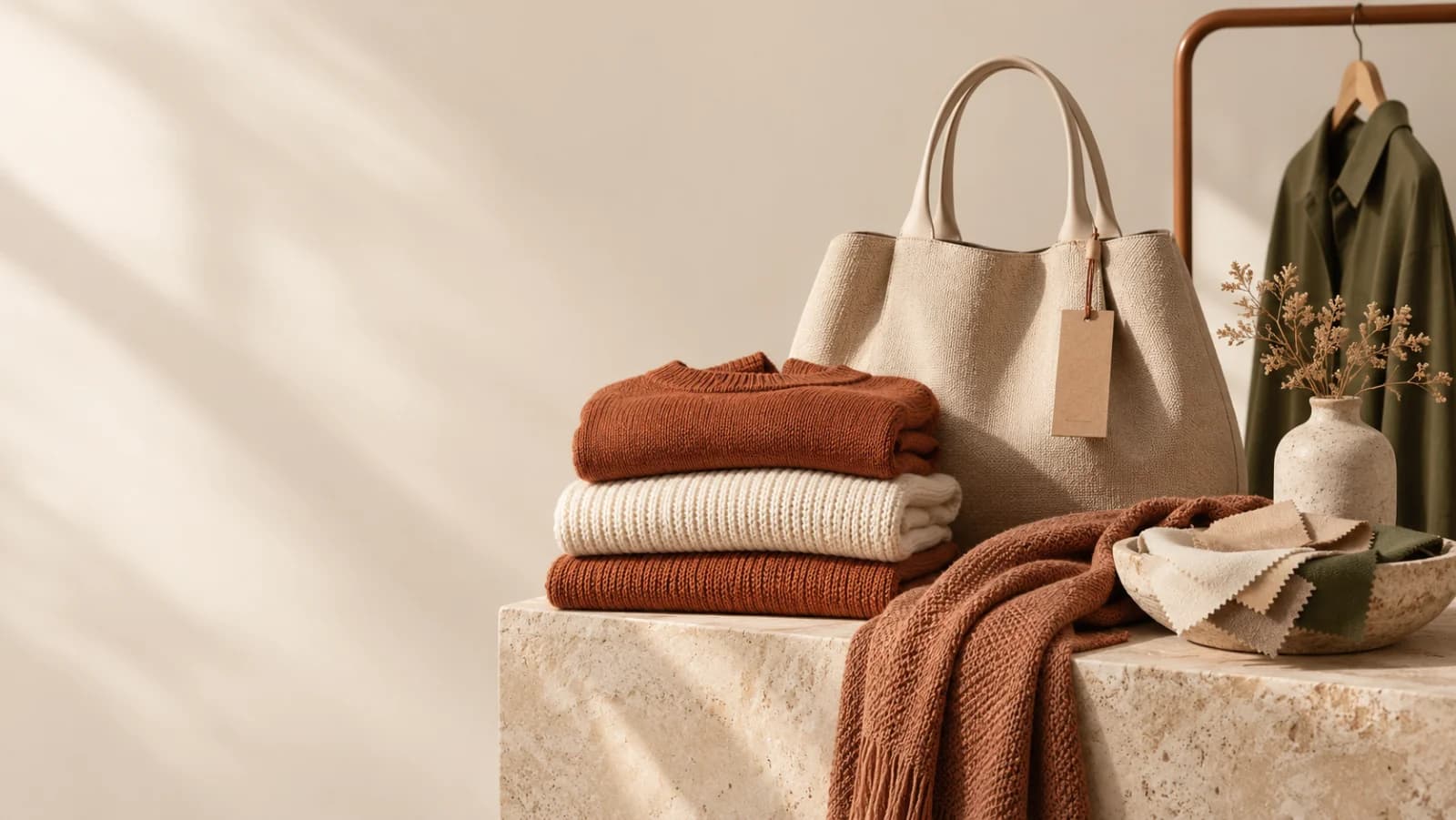
Bring collections, outfits and fit information together in an Atelier storefront. Plan a home-screen shopping experience, with stock and repeat-purchase tools as they become available.

Help shoppers understand a routine, compare ingredients and choose products for their needs. Ritual provides the storefront foundation, with a plan for order documents and future replenishment tools.

Make repeat trade orders easier to navigate with Ledger, clear pack quantities and a quick-order layout. Plan picking, invoice printing and delivery rules around your trade process.

Help shoppers picture products in their space and check the details before ordering. Hearth pairs room-led discovery with a plan for delivery coverage and fulfilment.

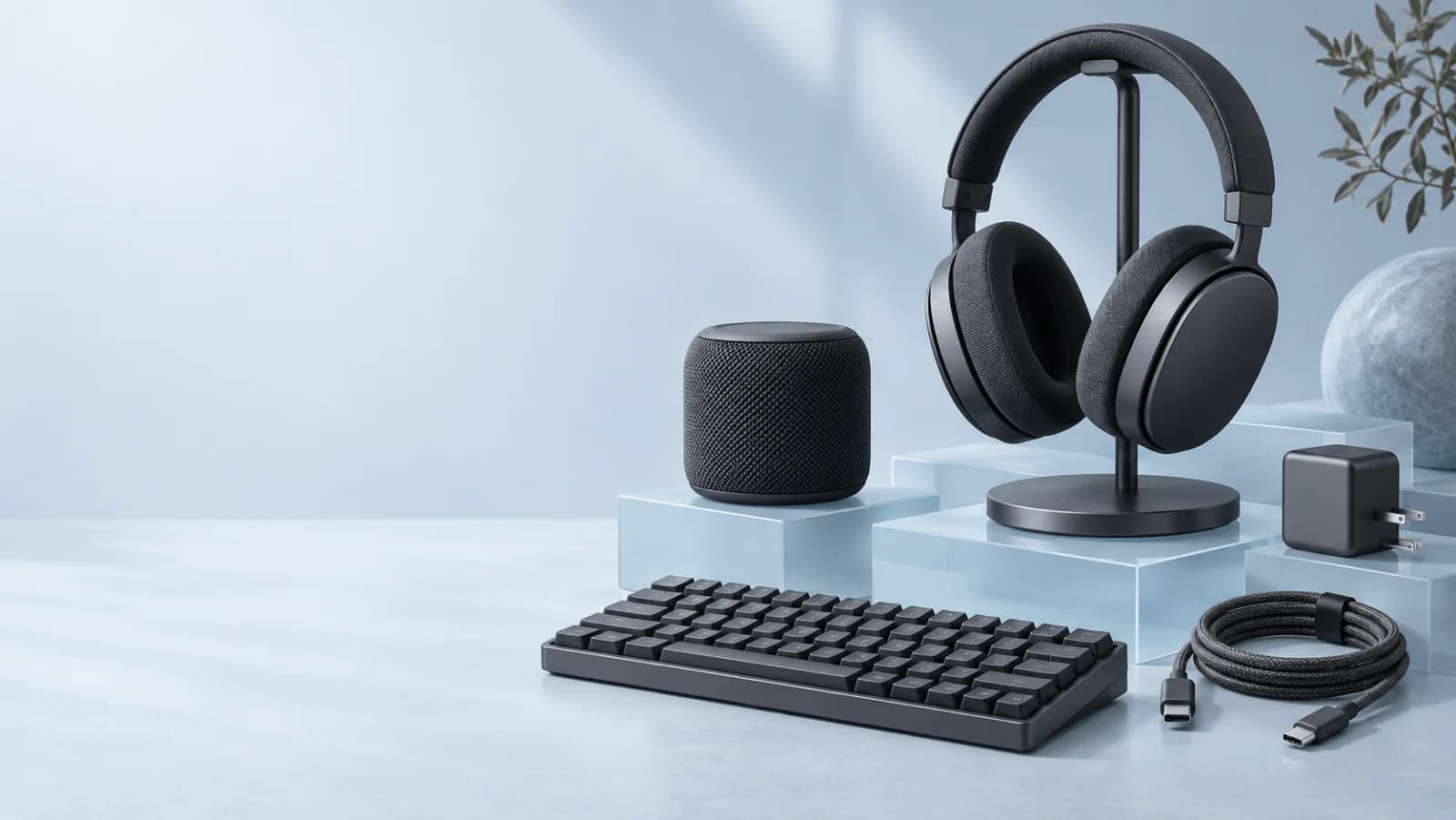
Give shoppers the specifications and compatibility details they need to choose confidently. Plan a Specra storefront alongside picking, order documents and stock-review workflows.

Help pet owners shop by species, life stage and product needs. Plan a Furvale storefront with clear feeding and sizing information, plus future repeat-purchase and stock tools.
What's inside
Storefront
Explore the homepage, product discovery and product-detail layouts on a real demo before choosing your starting point.
Apps
A shortlist for your daily work, such as picking, order documents or delivery. Choose what you need; app installations and subscriptions are separate.
Launch
Know which product data, brand assets and store settings to prepare. Confirm implementation scope and launch checks before work begins.
Why kits
Start with the decisions that matter to your customers: the right size, the right ingredient, a compatible accessory or a delivery area you can serve. Then plan the store around them.
A packaged Shopify setup plan: a category-aware theme, recommended app stack, starter content, essential settings, launch QA, and handoff guidance. Apps are separate products, and implementation or store-specific configuration may be required.
8 categories: jewellery, grocery, fashion, beauty, wholesale, home, electronics and pet supplies. 8 kits have live demo stores, and each card shows its current status.
A theme provides the storefront experience. A kit adds category-specific app recommendations, setup guidance, starter content, and launch checks. Some workflows need separate apps, Shopify configuration, or implementation.
The theme can be adapted with your logo, colours, imagery and product content. Share those assets and any custom requirements so we can agree what is included in your setup.
Yes. Every kit can be bought online for a one-time price, and we deliver the theme and setup directly to your store. Shopify plans and app subscriptions are separate costs; coming-soon apps are not available to install yet. We confirm scope and availability before work begins.
New brands planning a launch and existing stores planning a category-specific refresh who want the theme, recommended app stack, and setup requirements documented together.