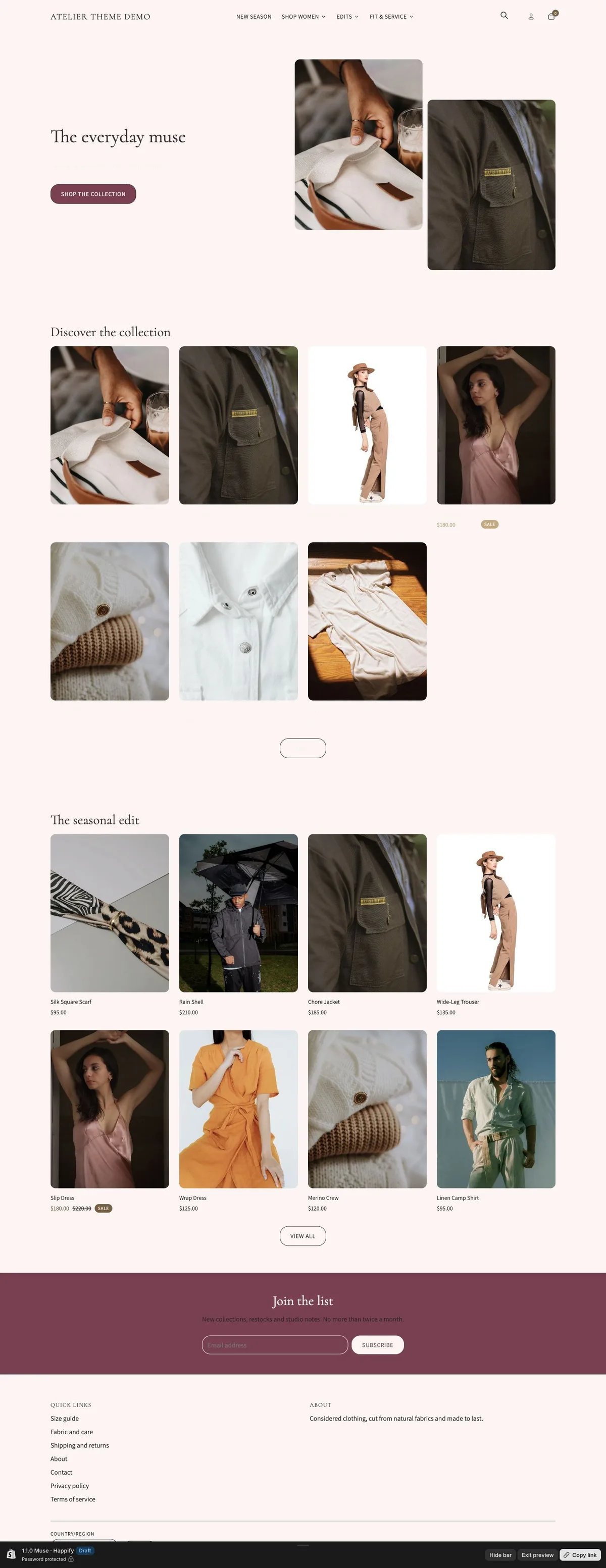

A storefront with its own character
Distinct typography, color schemes and merchandising layouts give each preset a clear starting point.
Loading...
Part of Atelier · Editorial shopping for a considered wardrobe.
A romantic fashion edit in rose and burgundy, with collection-led storytelling.
Distinct typography, color schemes and merchandising layouts give each preset a clear starting point.
Responsive product grids and collection navigation help shoppers find the right product.
Product photography, variant choices and buying tools keep useful information close to the purchase.
The tools included in Atelier, across all three presets.
Configure size-guide rows, lookbook images and linked products. Fit, fabric and care details use the documented product metafields. See the setup guide for requirements.
Atelier comes with 3 ready-made designs for your store, including Muse.
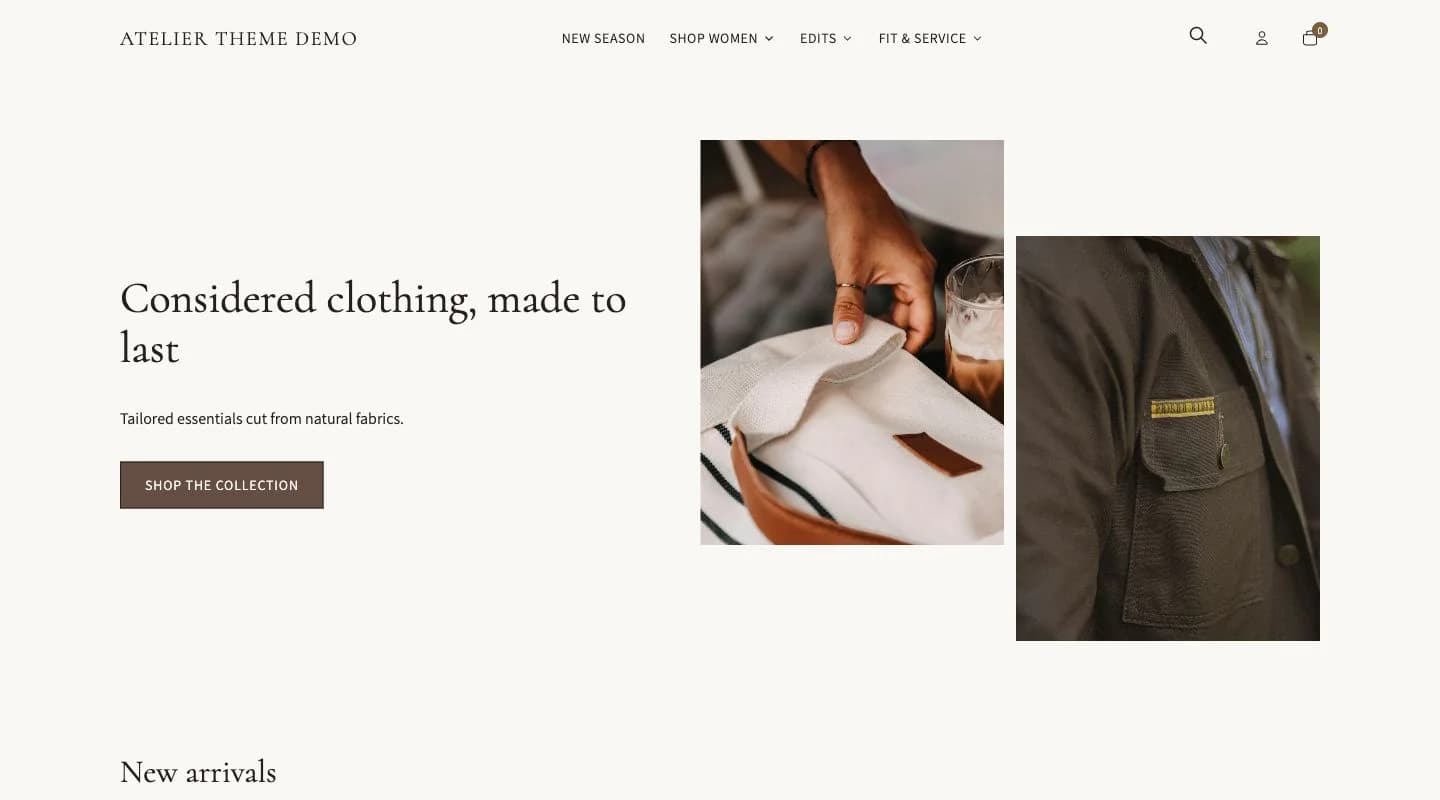 Atelier
Considered clothing in soft neutrals, with an editorial portrait layout.
Open Atelier demo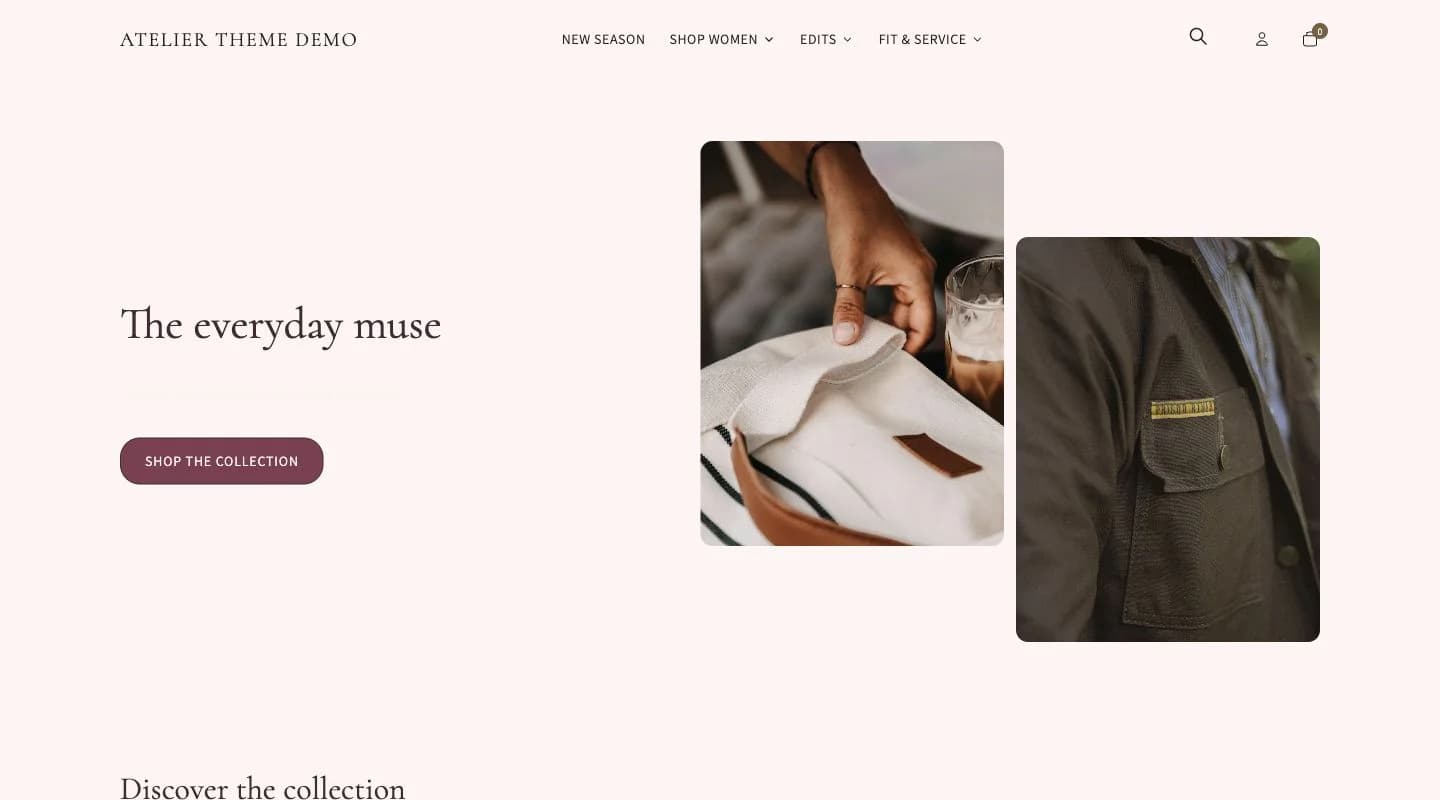 Muse
MuseA romantic fashion edit in rose and burgundy, with collection-led storytelling.
Open Muse demo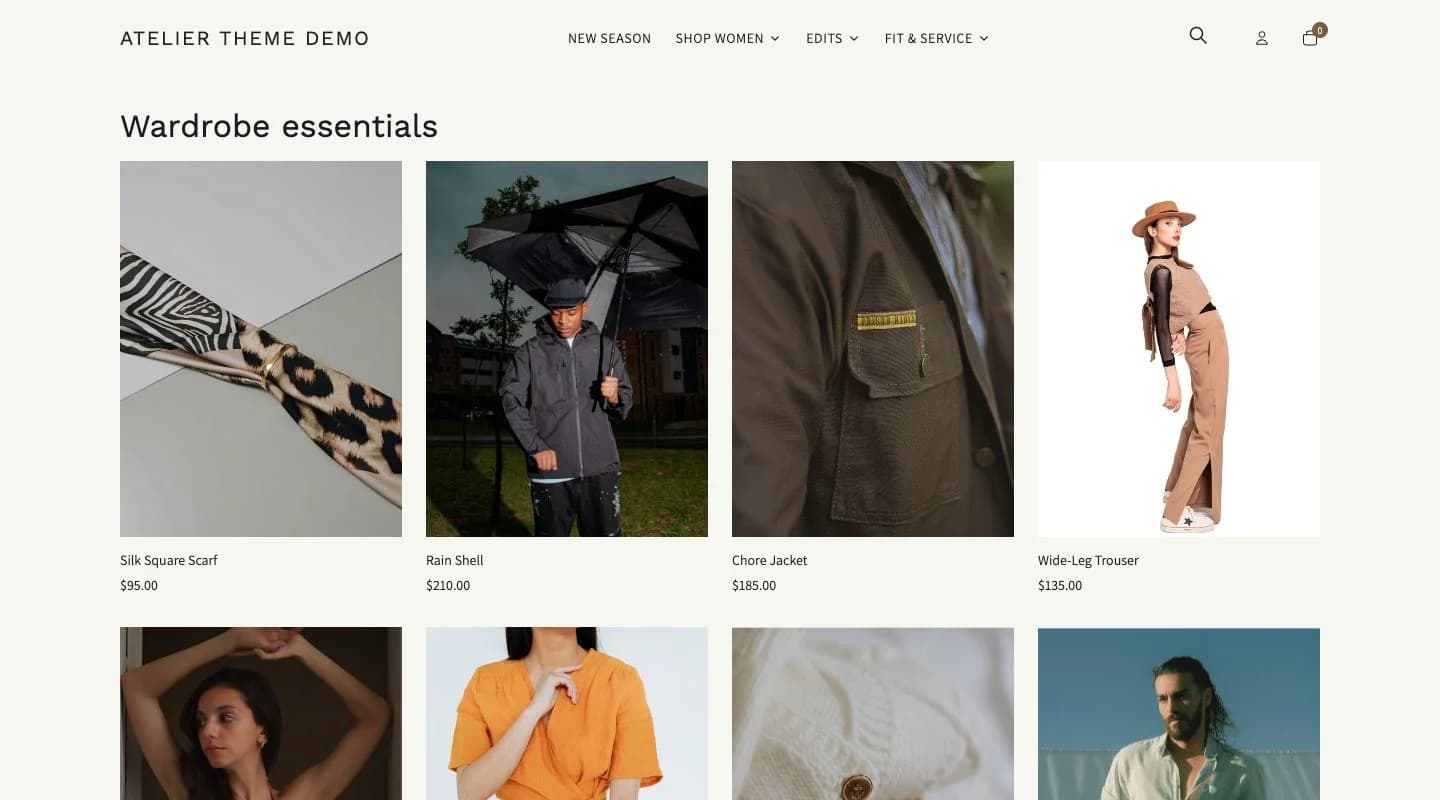 Studio
A minimal wardrobe in ink and ivory, with new arrivals and sharp typography.
Open Studio demoThere are no verified merchant reviews to display yet.
Documentation updated September 30, 2026
Atelier 1.1.0 uses Shopify Skeleton. Preset layouts and compatible product configuration are covered in the documentation.
Settings, sections and buying tools explained.
View documentationNeed installation help? Explore the matching store kit.
HappifyApps · Udaan Technologies Pvt. Ltd.
support@happifyapps.comSupport replies within 2 business days.
All Happify themesYes. The size-guide drawer uses editable measurement rows, and a dedicated page template is included for your full guide.
Add your own look images and linked products in the lookbook page template. Hotspot positions are editable in the theme editor.
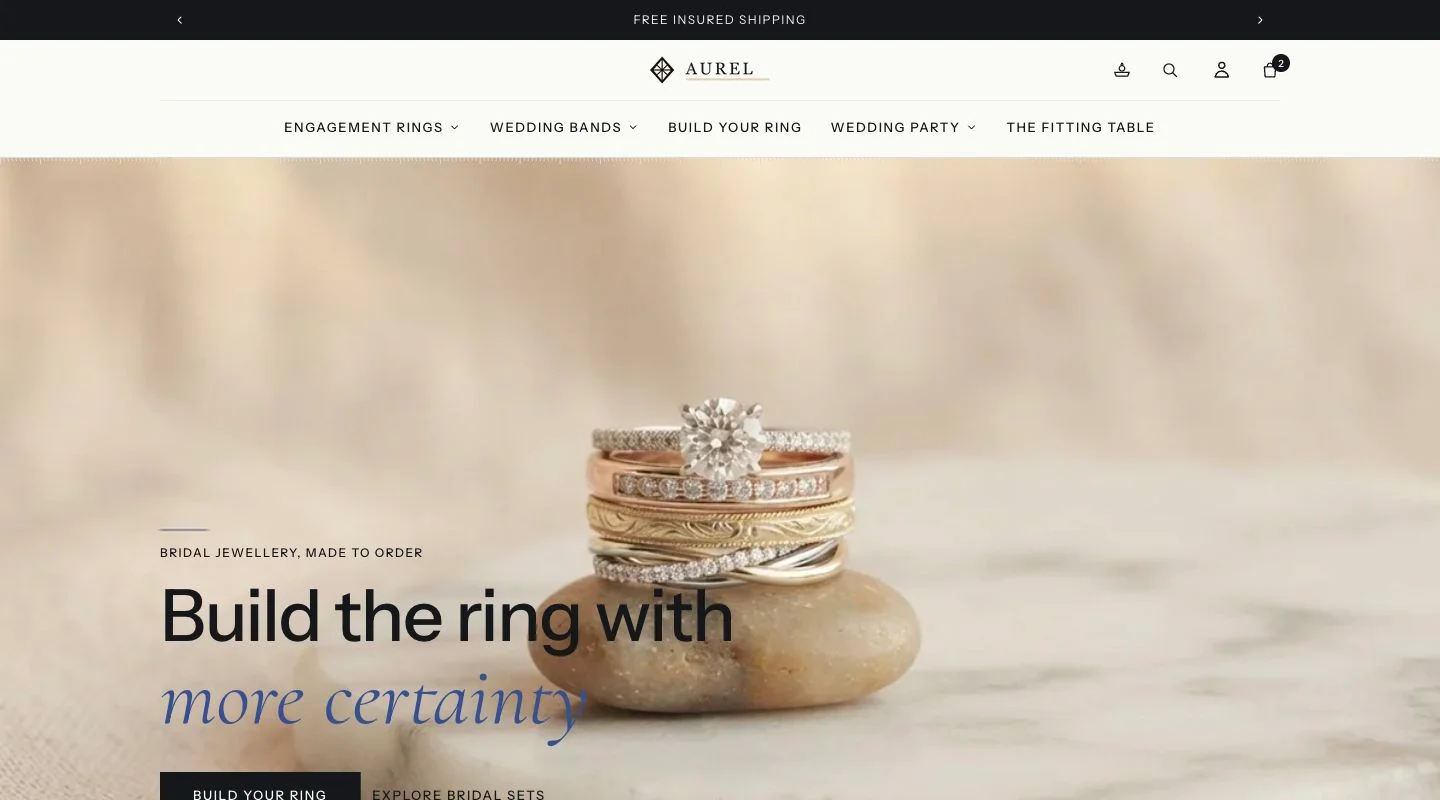 Aurel
AurelJewellery, watches and luxury
Aurel configured for a jewellery brand, with branded invoices and gift-safe packing slips, an installable store app, and repeat-purchase timing for gifts and anniversaries.
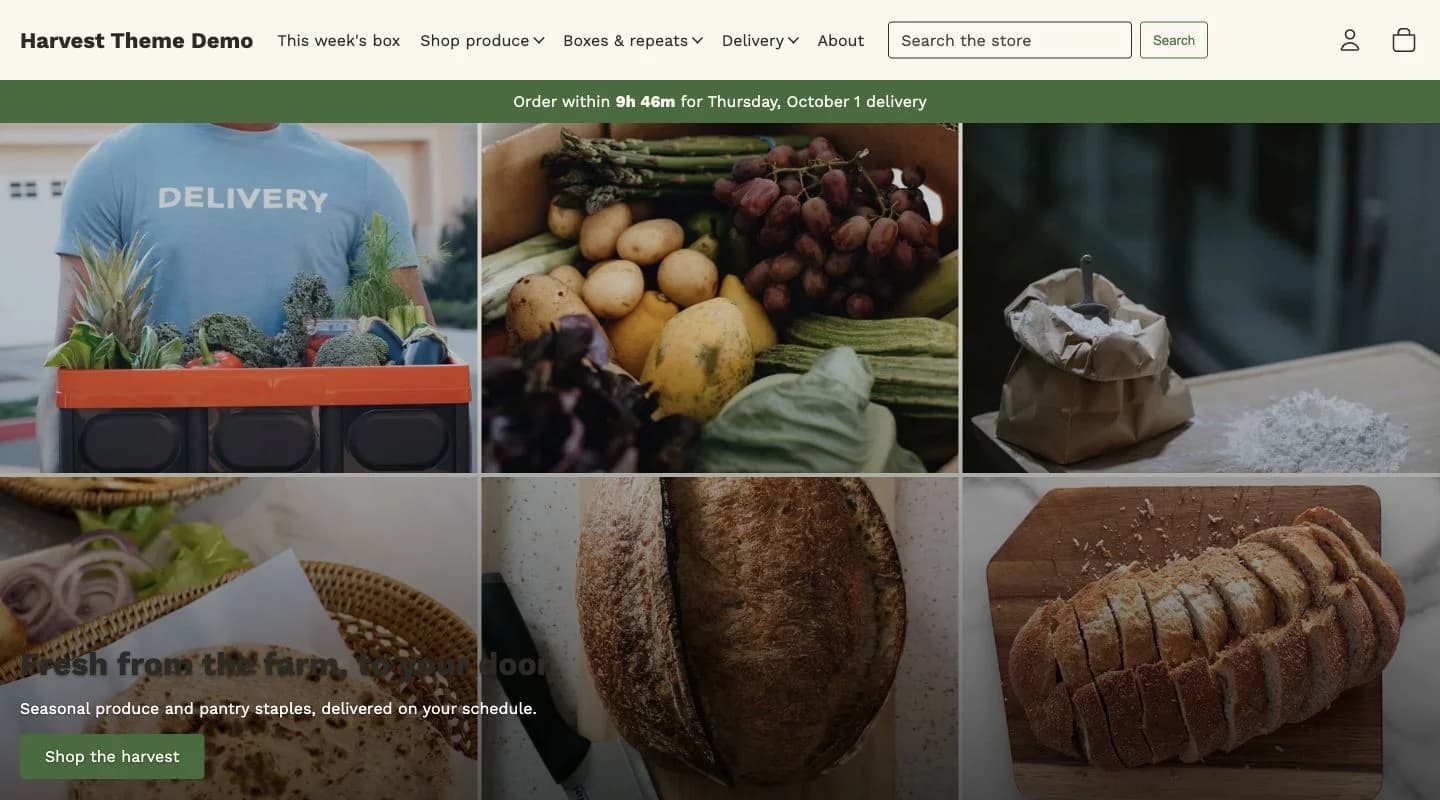 Harvest
Food, grocery and local delivery
Harvest configured for a grocery and local delivery store, with zone-based rates and cut-offs at checkout, daily run sheets, and an open-order board for the kitchen or warehouse.
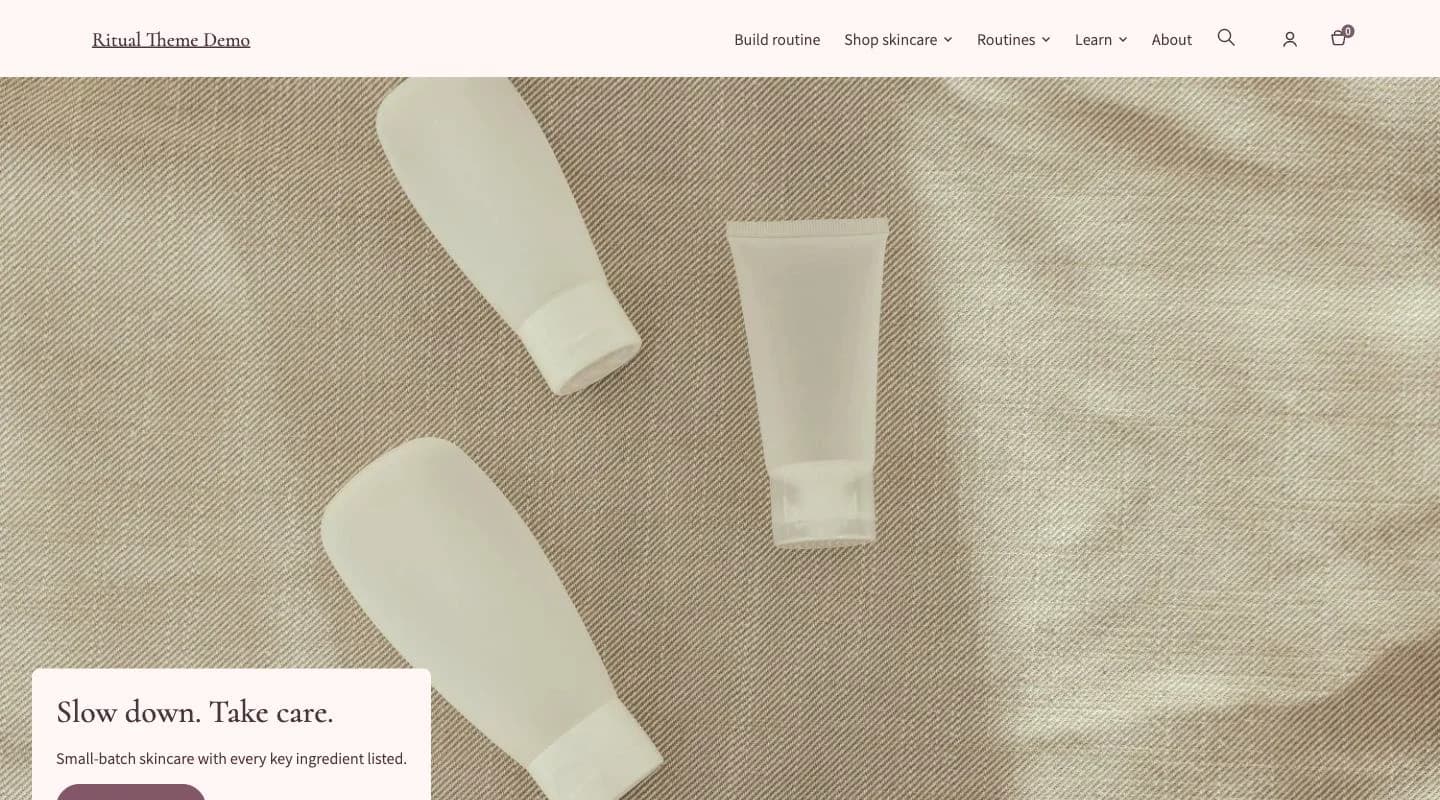 Ritual
Beauty and skincare
Ritual configured for a skincare or cosmetics brand: routine builders, ingredient and shade finders, subscription-ready product blocks, and replenishment reminders.
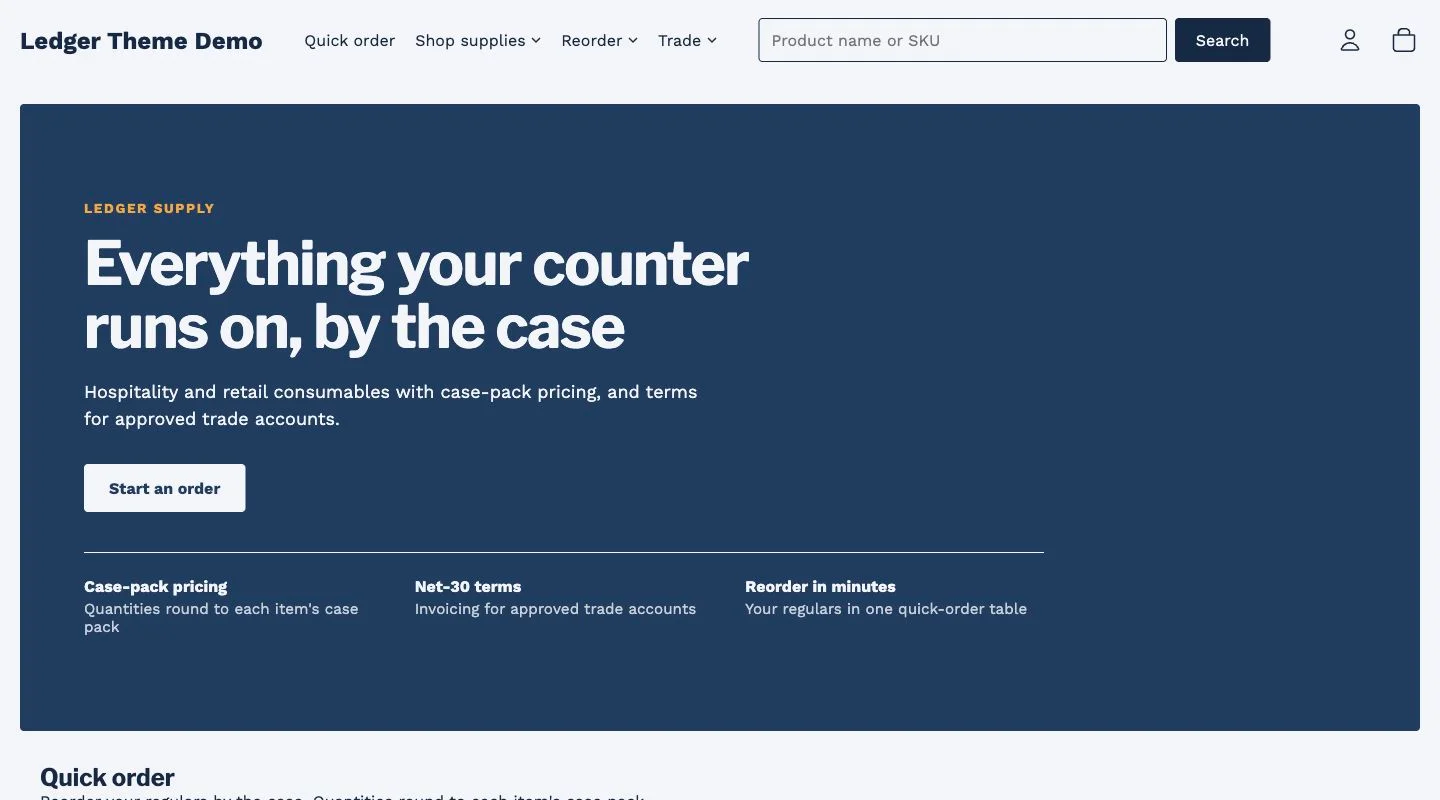 Ledger
B2B and wholesale
Ledger configured for wholesale: company accounts, quantity breaks, quick order, quote requests and net-terms messaging built on Shopify B2B.
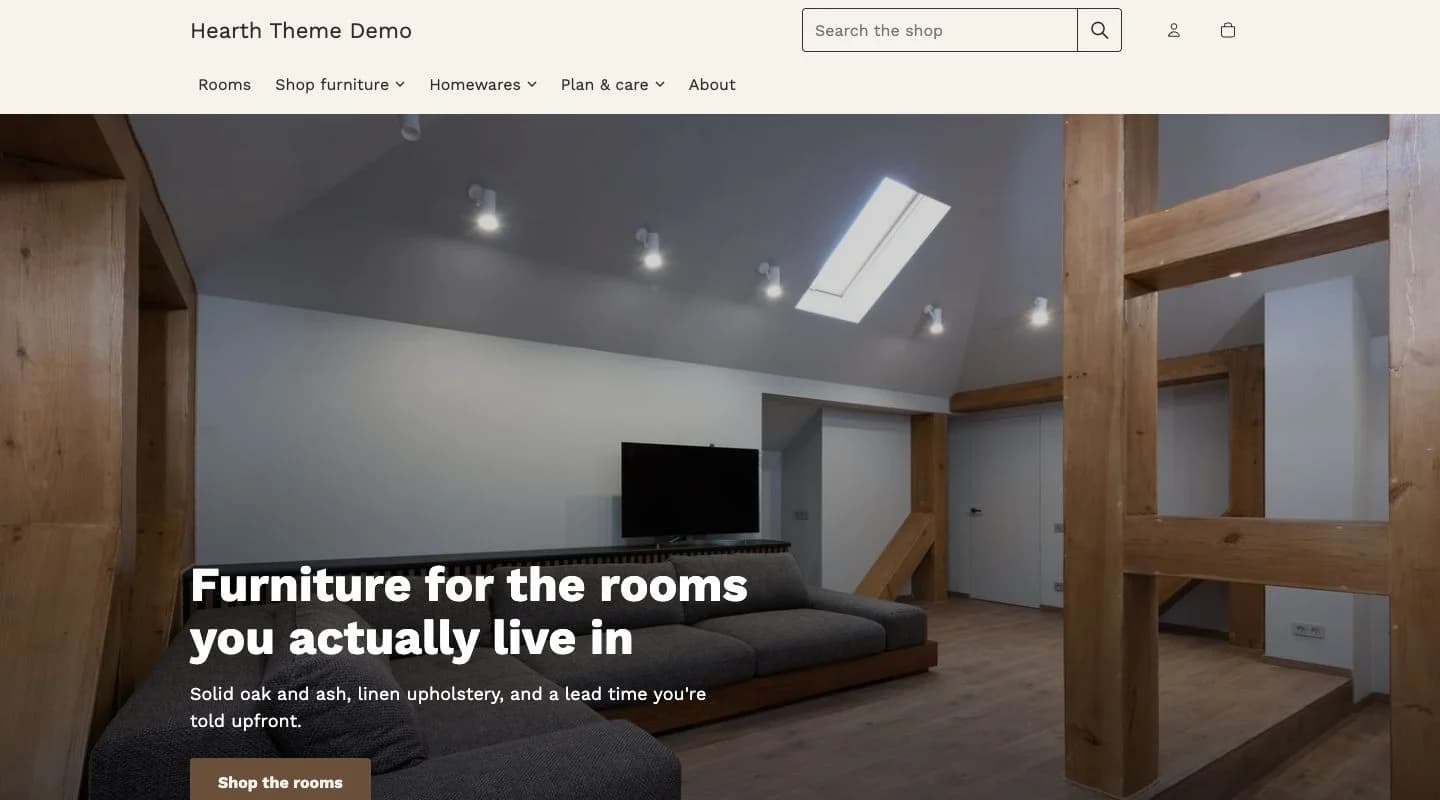 Hearth
Home and furniture
Hearth configured for home and furniture: large-format imagery, swatch and sample ordering, room-set sections, and delivery lead times per variant.