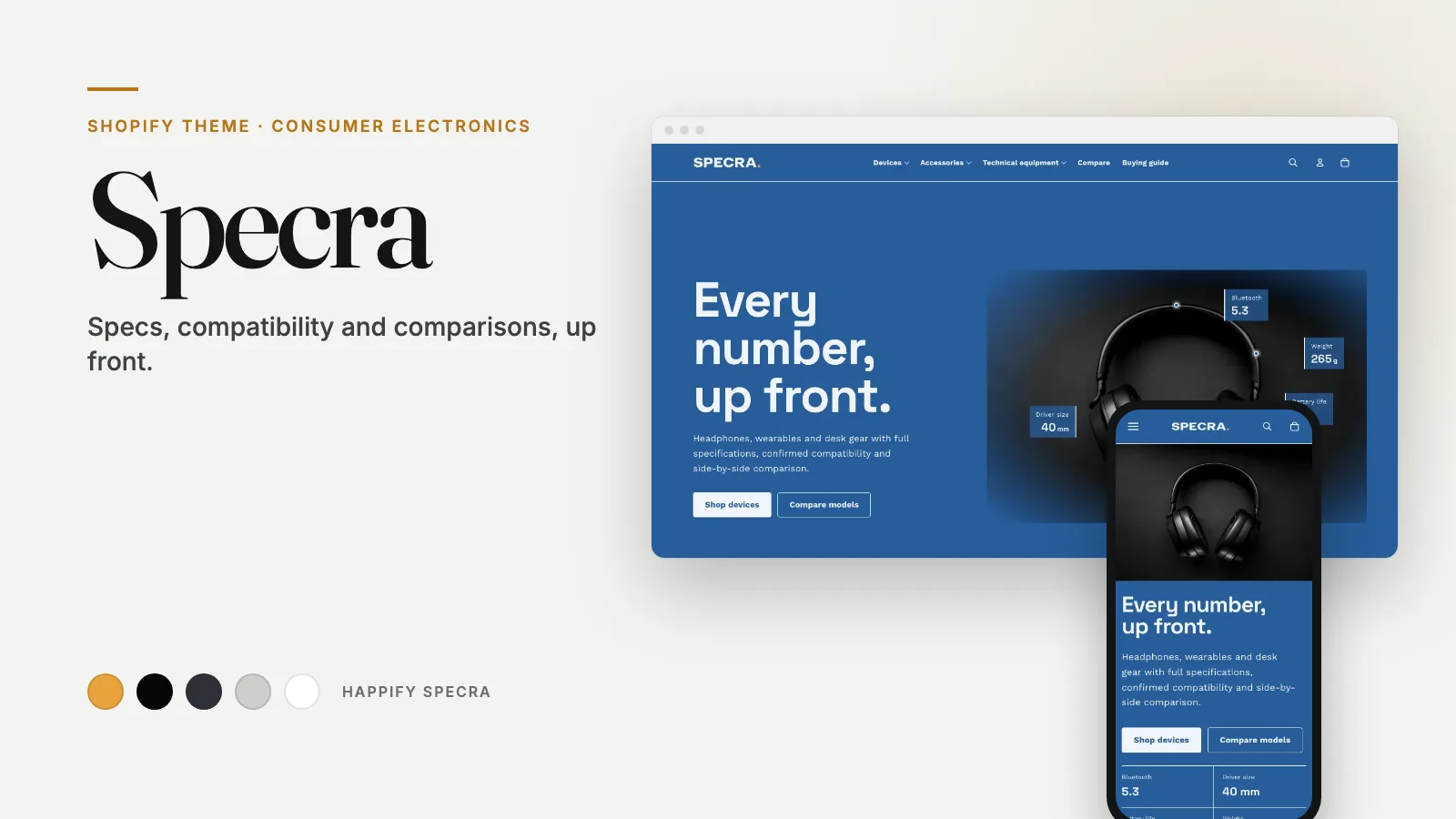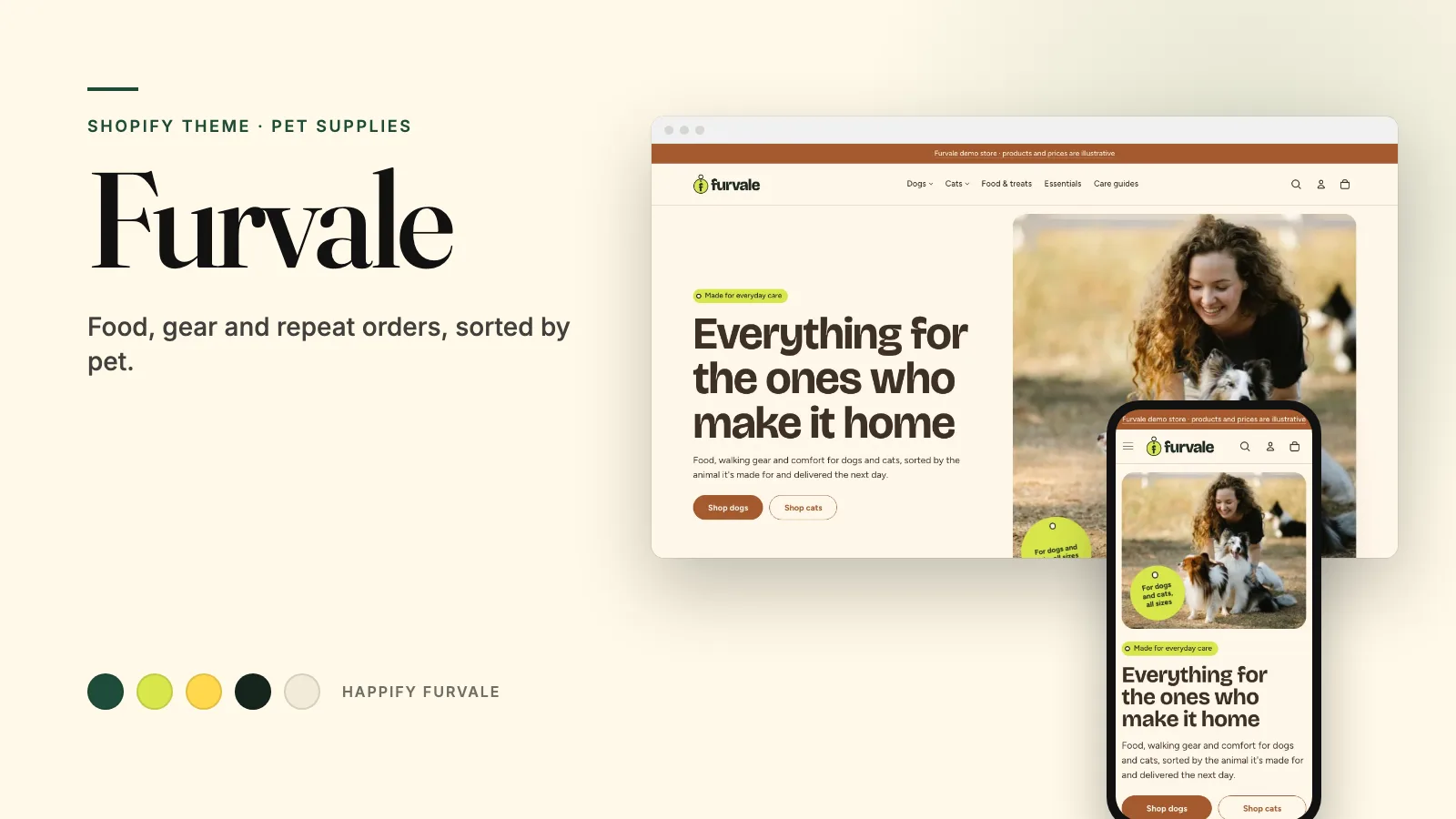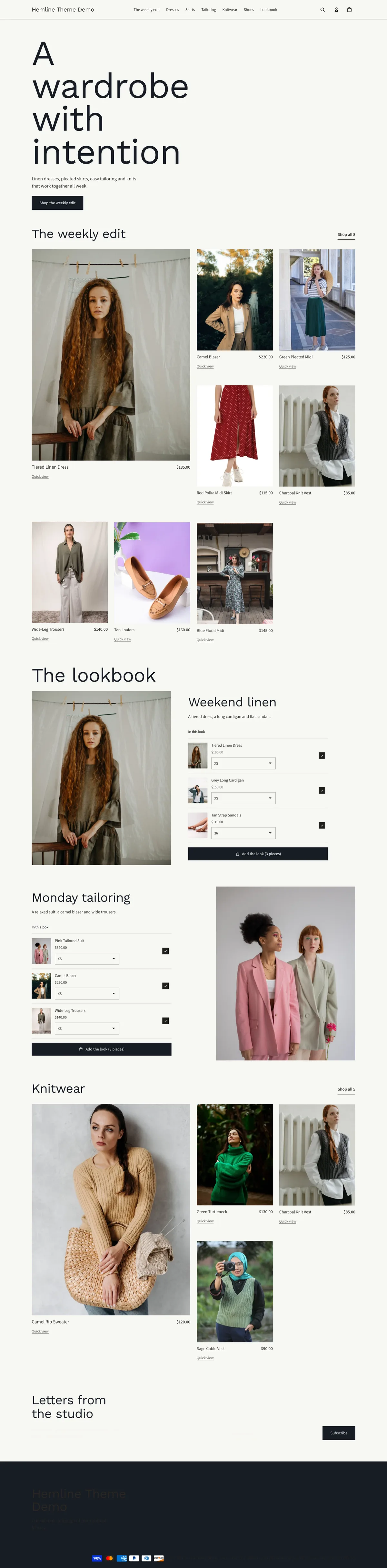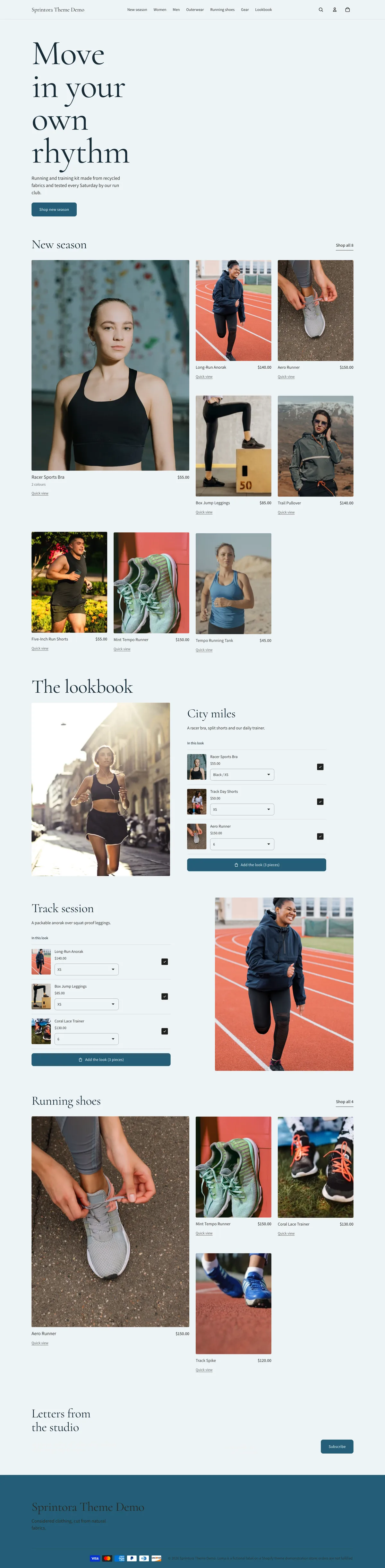
A storefront with its own character
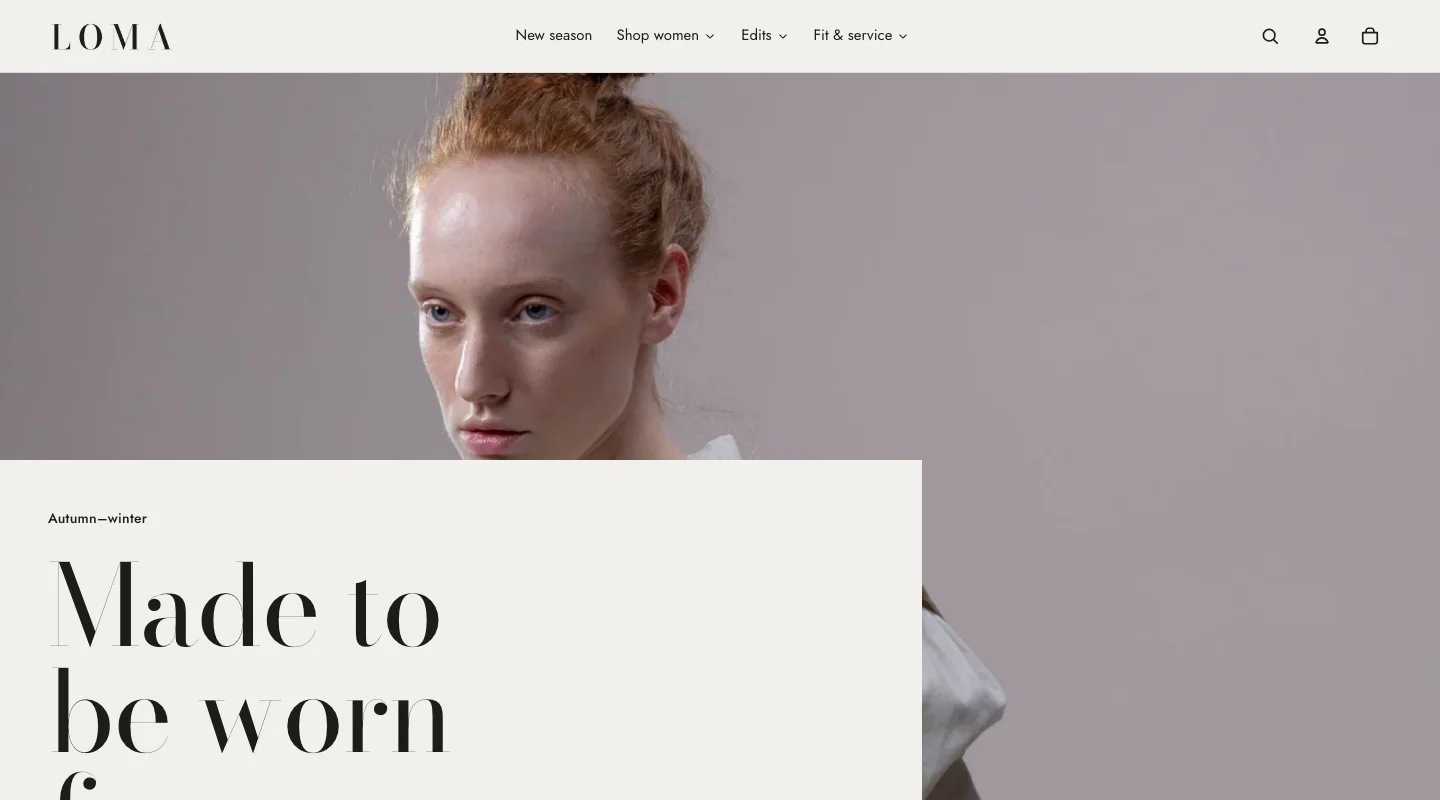
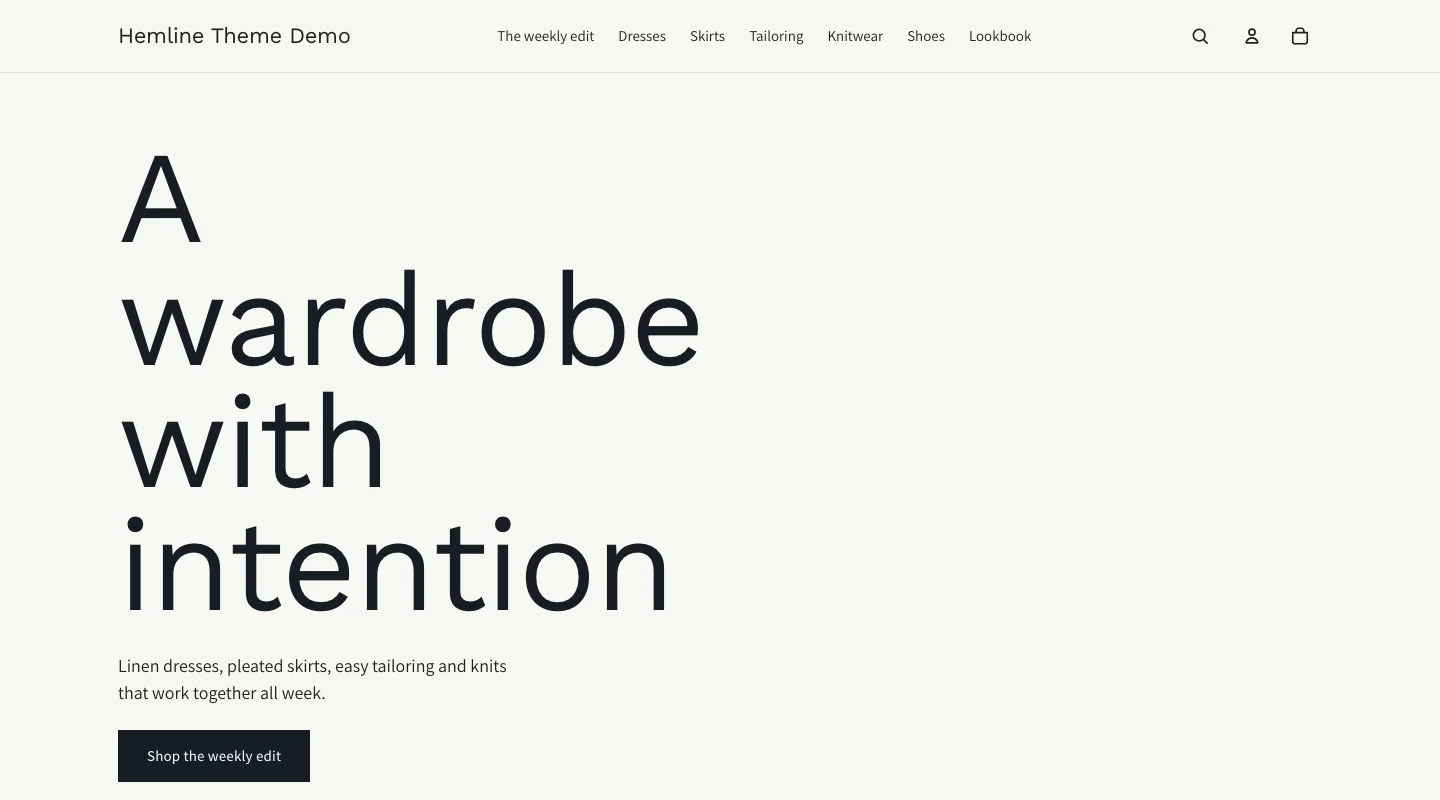
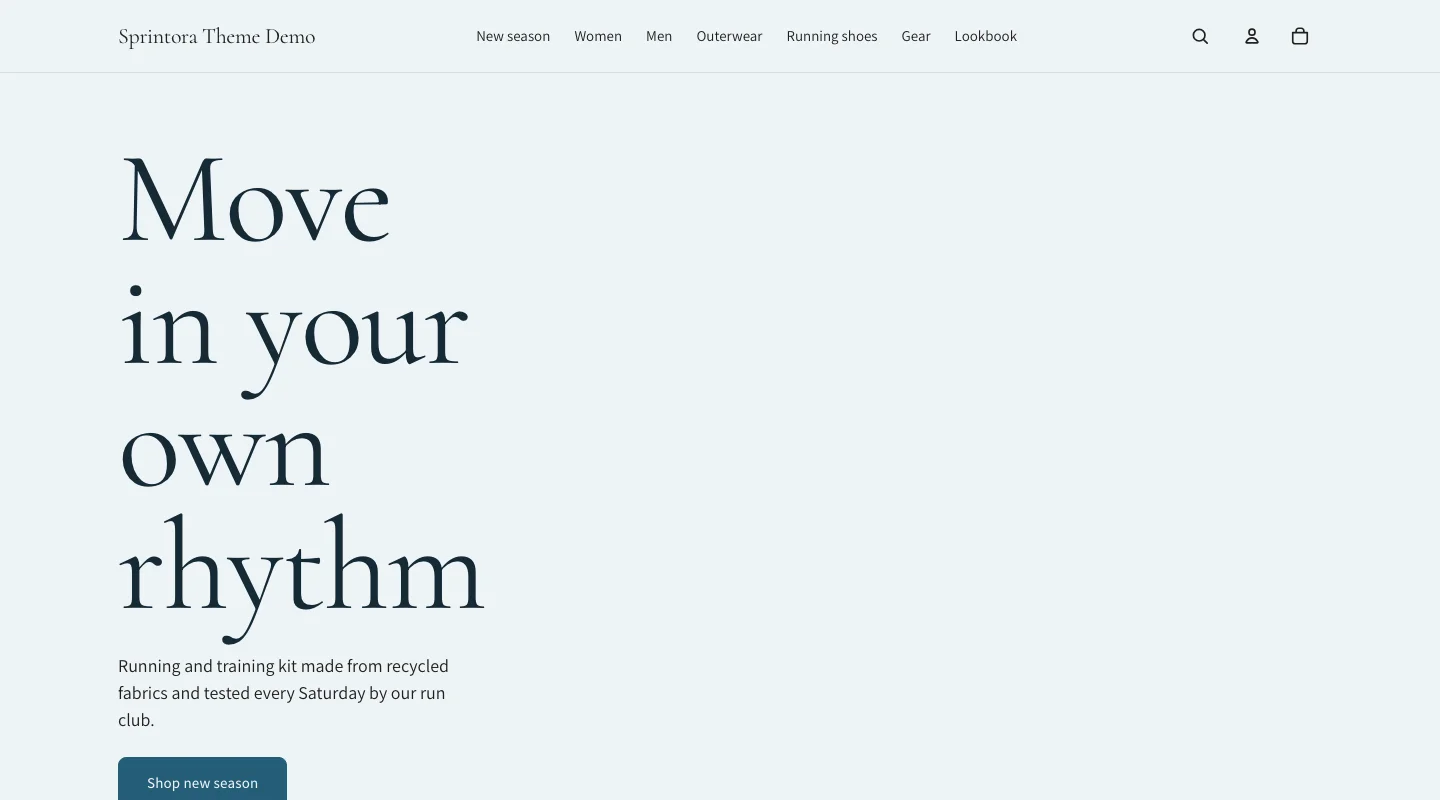
Distinct typography, color schemes and merchandising layouts give each preset a clear starting point.
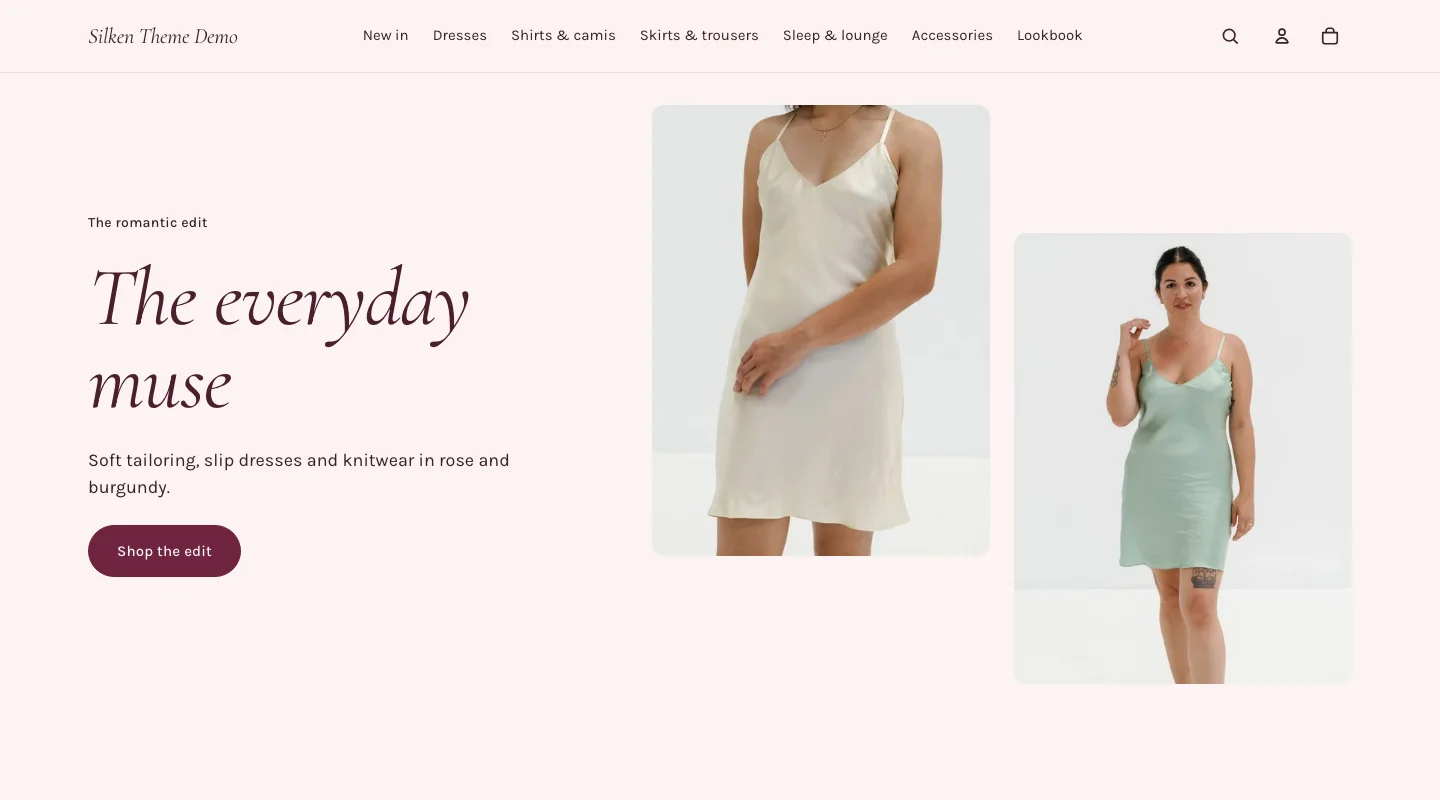
happifyView Silken demo store 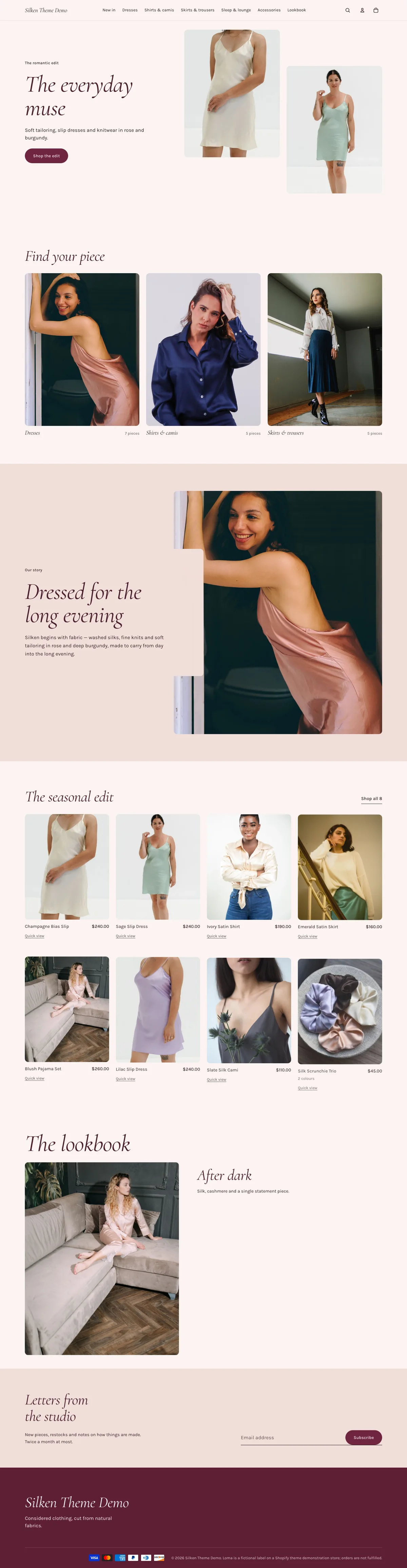

Hover or scroll inside the preview to see the whole page.
Part of Atelier · Editorial shopping for a considered wardrobe.
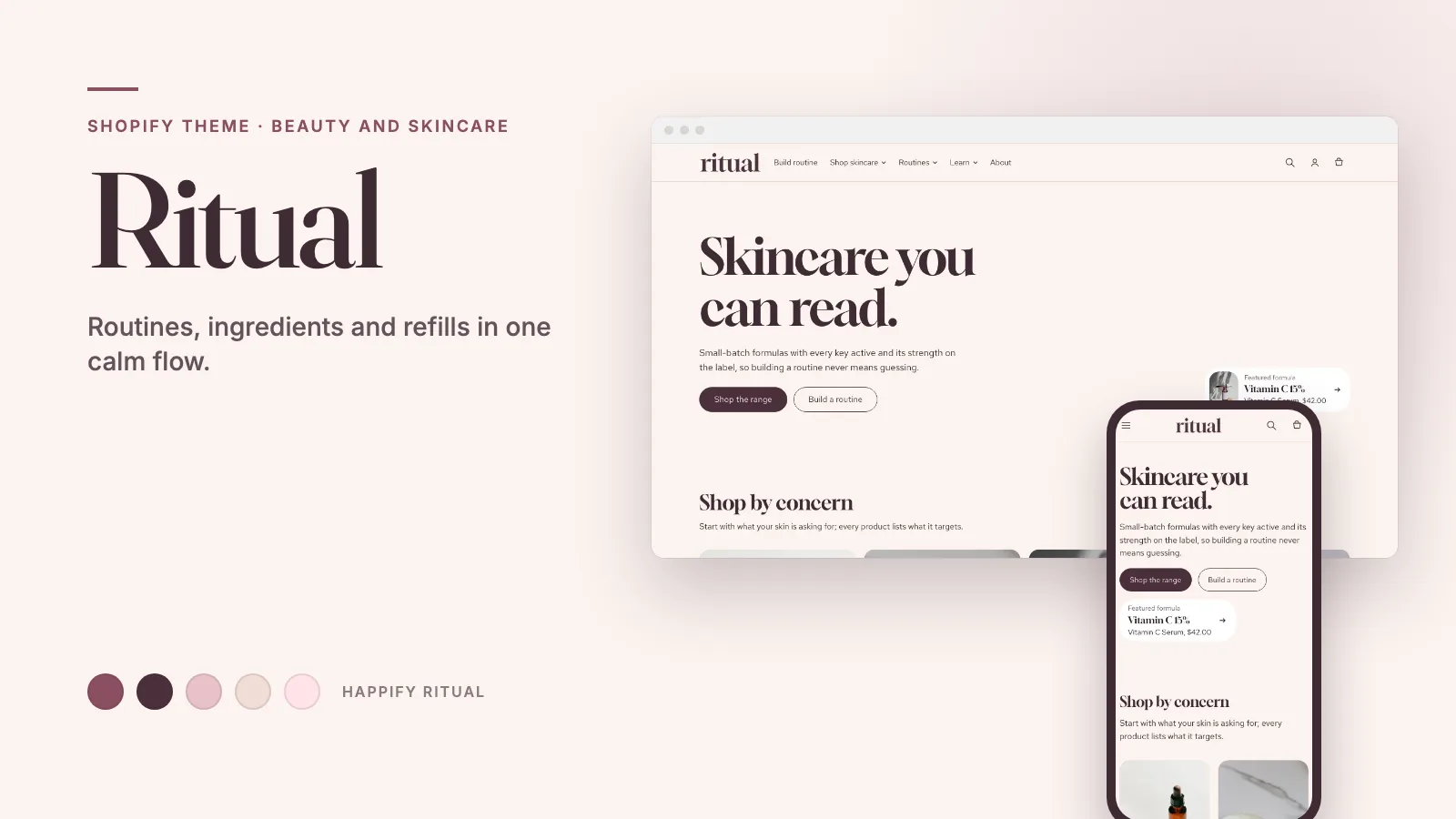
A romantic fashion edit in rose and burgundy, with collection-led storytelling and a bags edit.
Distinct typography, color schemes and merchandising layouts give each preset a clear starting point.
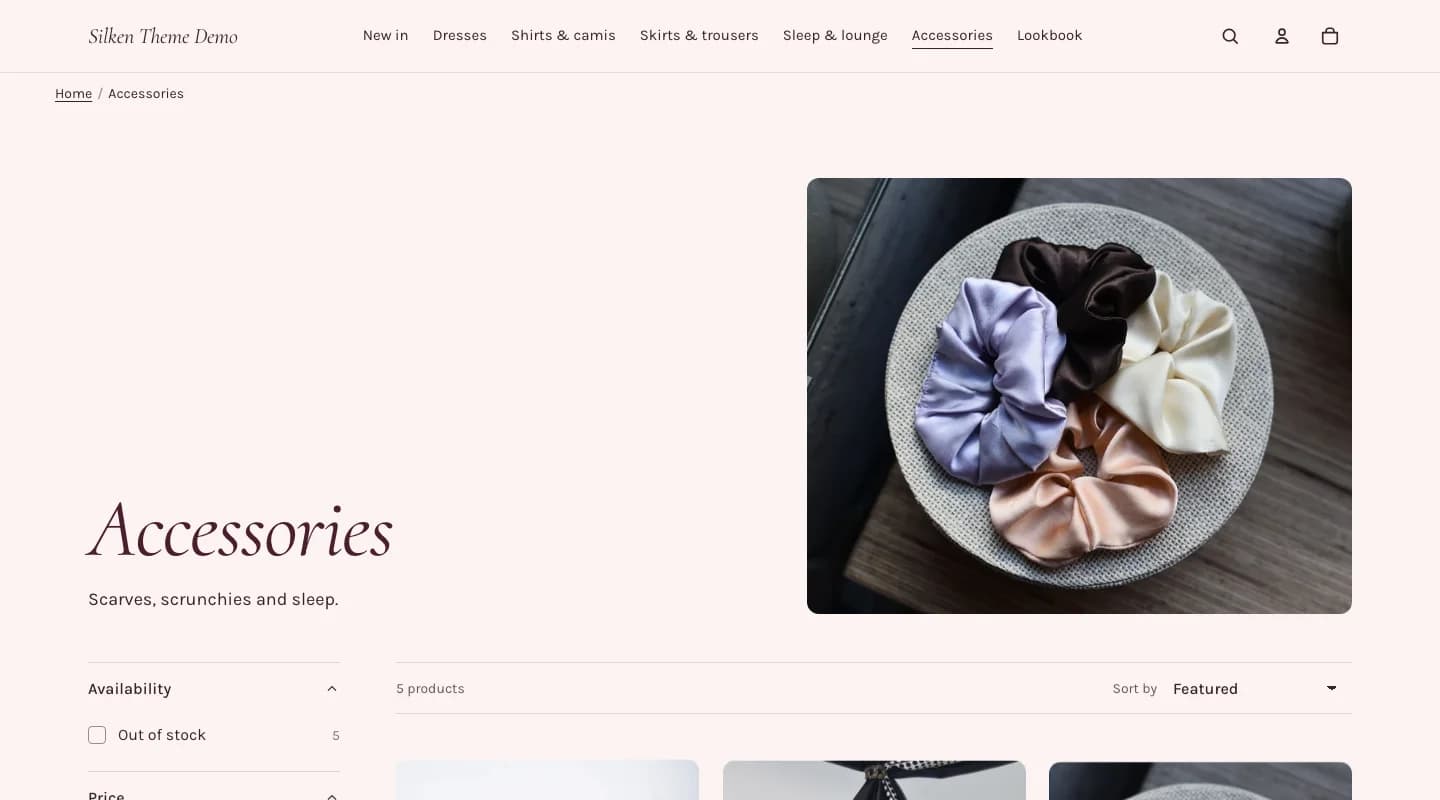
Responsive product grids and collection navigation help shoppers find the right product.
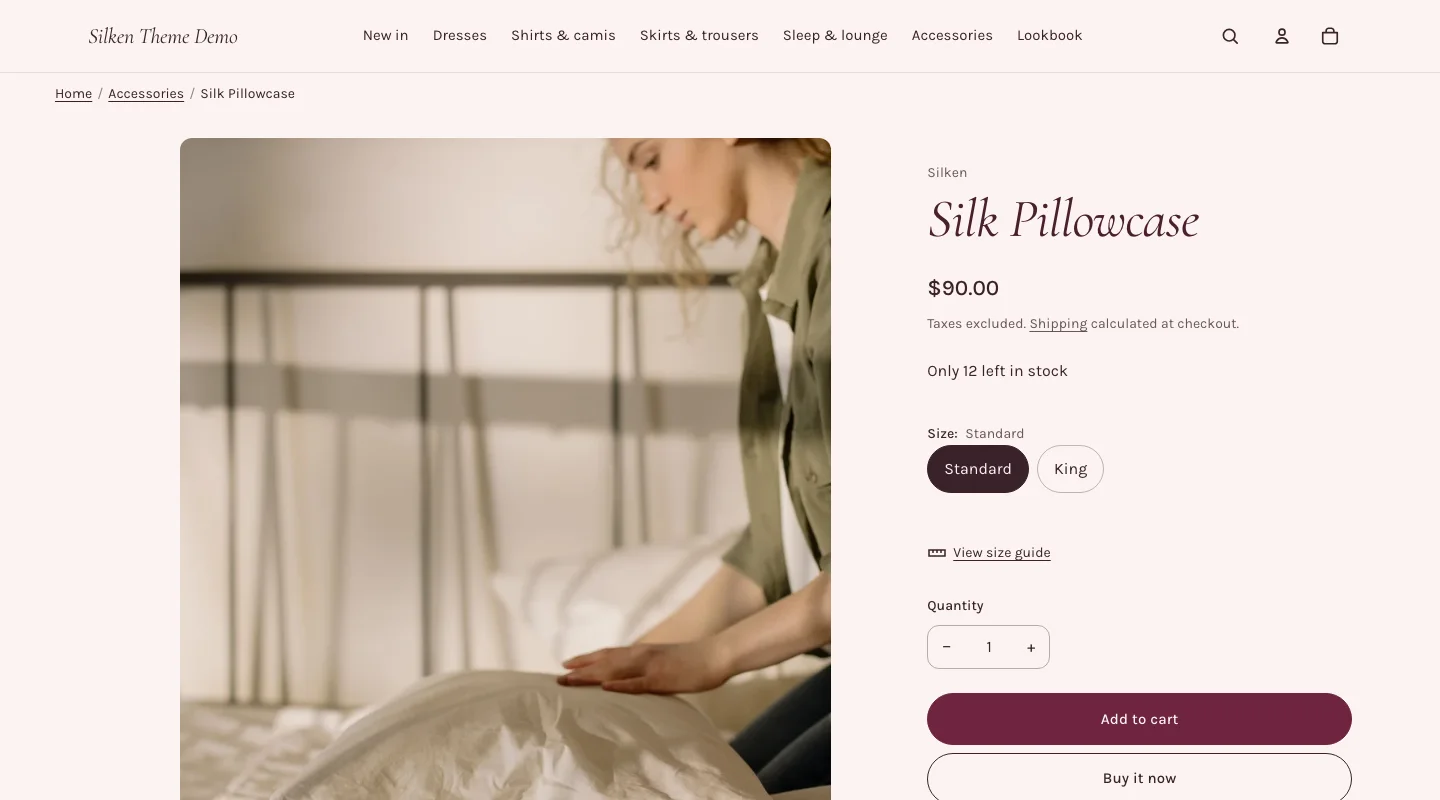
Product photography, variant choices and buying tools keep useful information close to the purchase.
Theme features
Browse the storefront and category-specific tools by Shopify feature category.
Configure size-guide rows, lookbook images and linked products. Fit, fabric and care details use the documented product metafields. See the setup guide for requirements.
Some features need merchant content, product data, or Shopify settings. The theme uses configured store data and does not invent stock, pickup availability, or product details.
A short visual tour of the home, collection and product pages. Open the matching live demo to try the storefront interactions and explore the preset’s features.
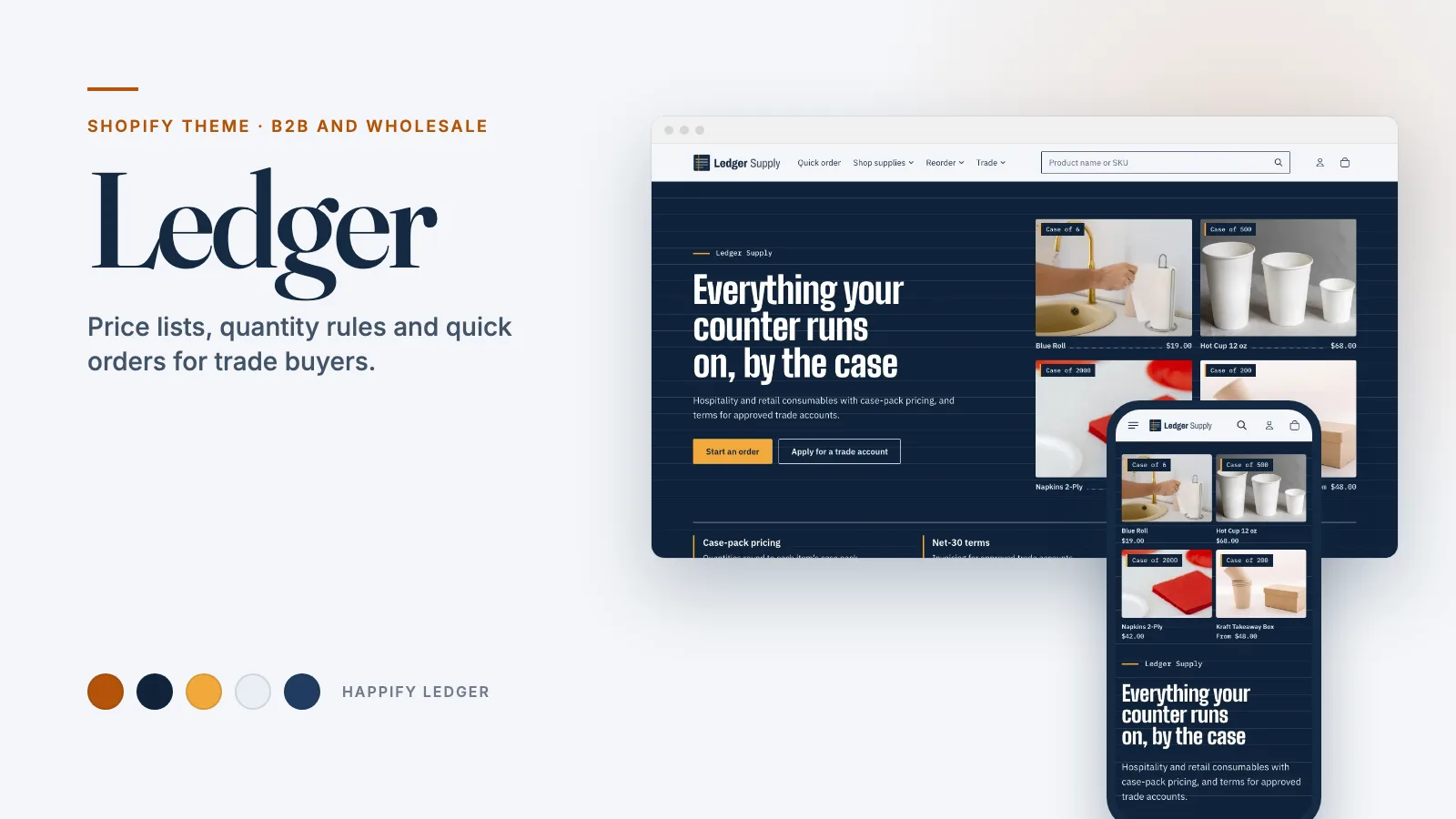
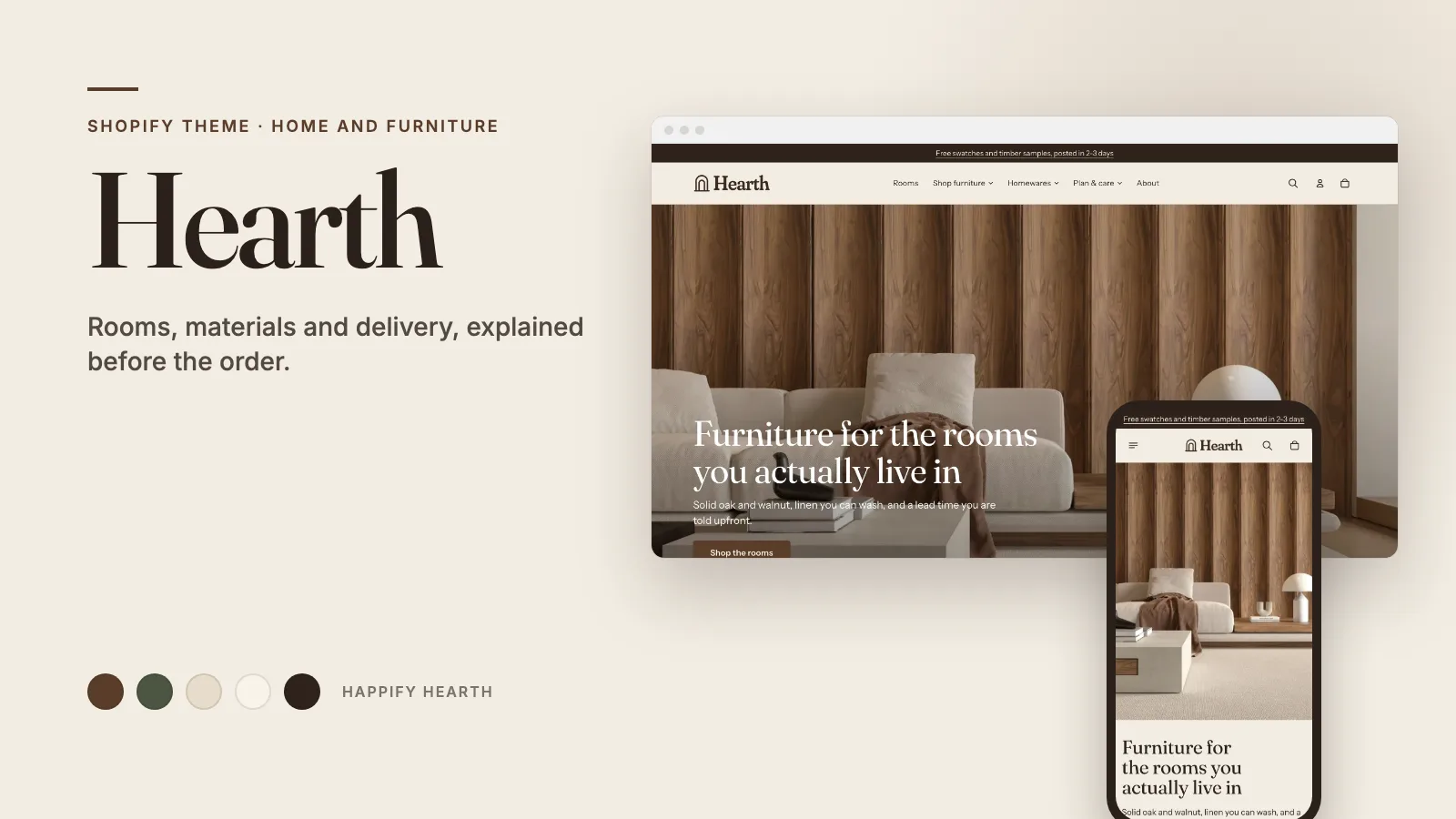
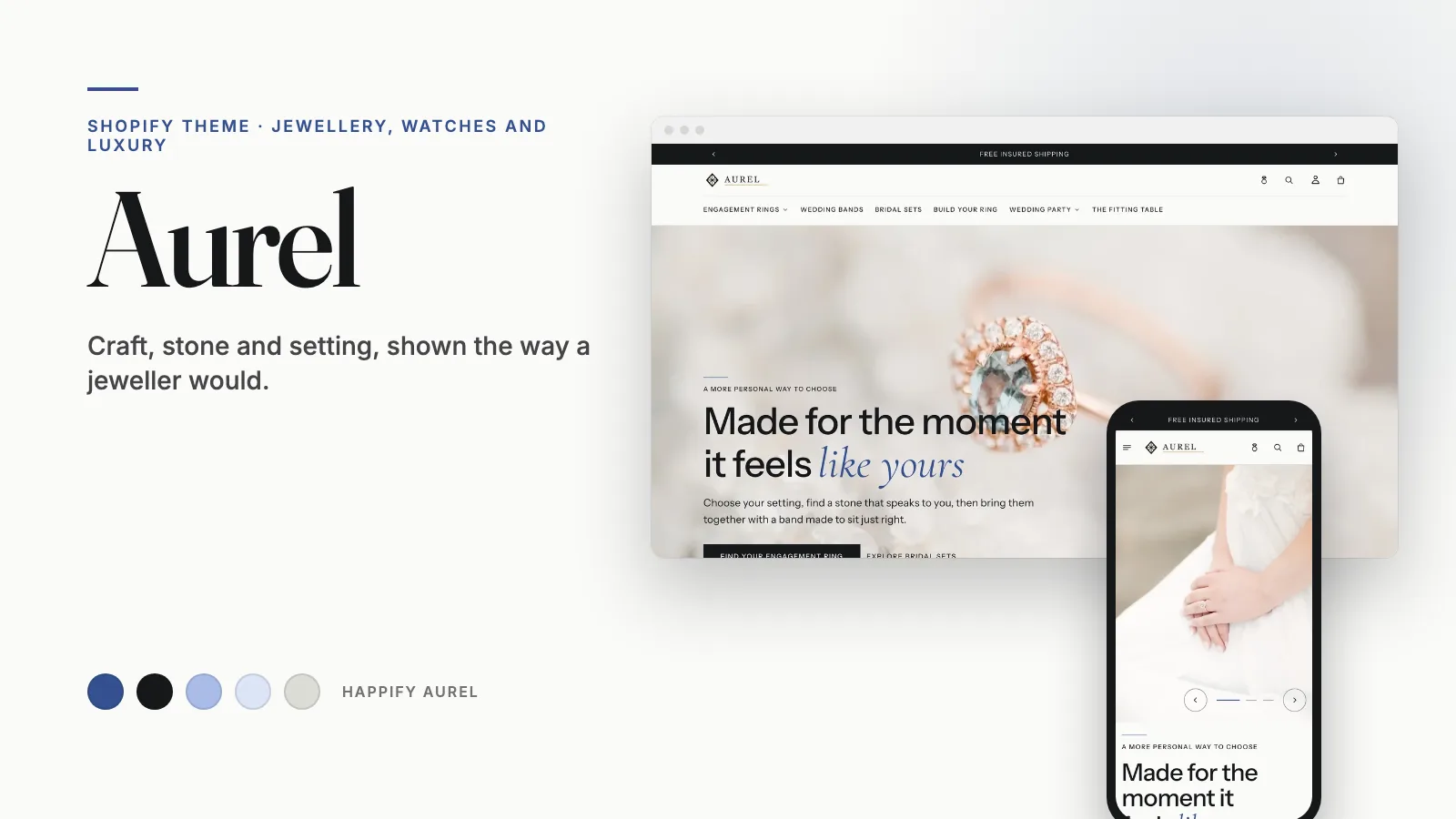
Atelier comes with 4 ready-made designs for your store.
HappifyApps support
Useful guidance for configuring and maintaining Atelier.
CURRENT RELEASE
Updated September 30, 2026.
Read release notesSETUP GUIDE
Find guidance for theme settings, sections, product data and storefront setup.
Open Atelier documentationBuilding a full store? Explore the matching store kit.
HUMAN SUPPORT
Send your store URL and a screenshot. We reply within 2 business days.
Submit a support requestOr email admin@happifyapps.com.
Need hands-on help? Ask about paid setup, localization, migration or rollout testing.
Yes. The size-guide drawer uses editable measurement rows, and a dedicated page template is included for your full guide.
Add your own look images and linked products in the lookbook page template. Hotspot positions are editable in the theme editor.
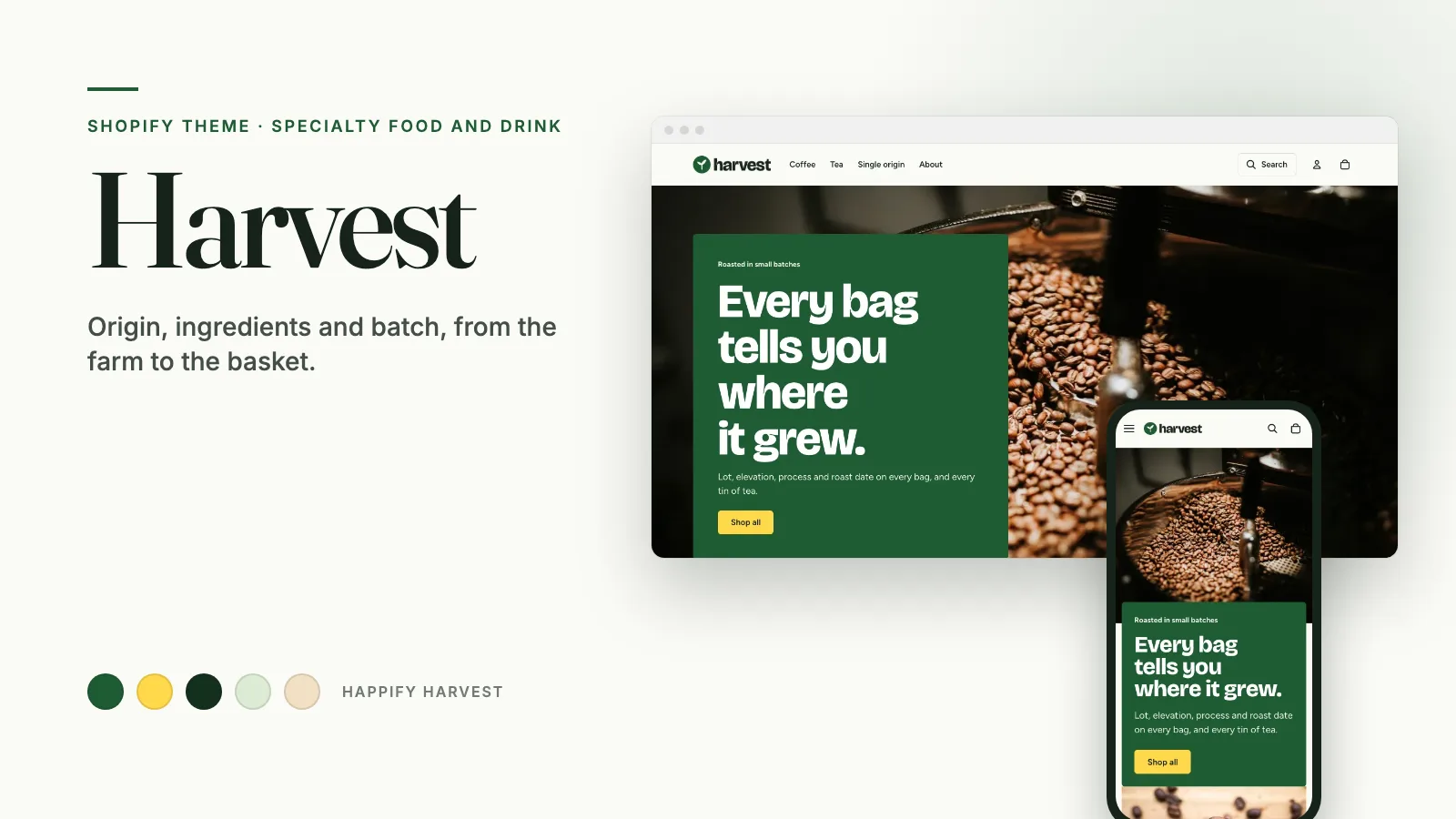
Specialty food that ships: where it came from and what is in it, on every product.