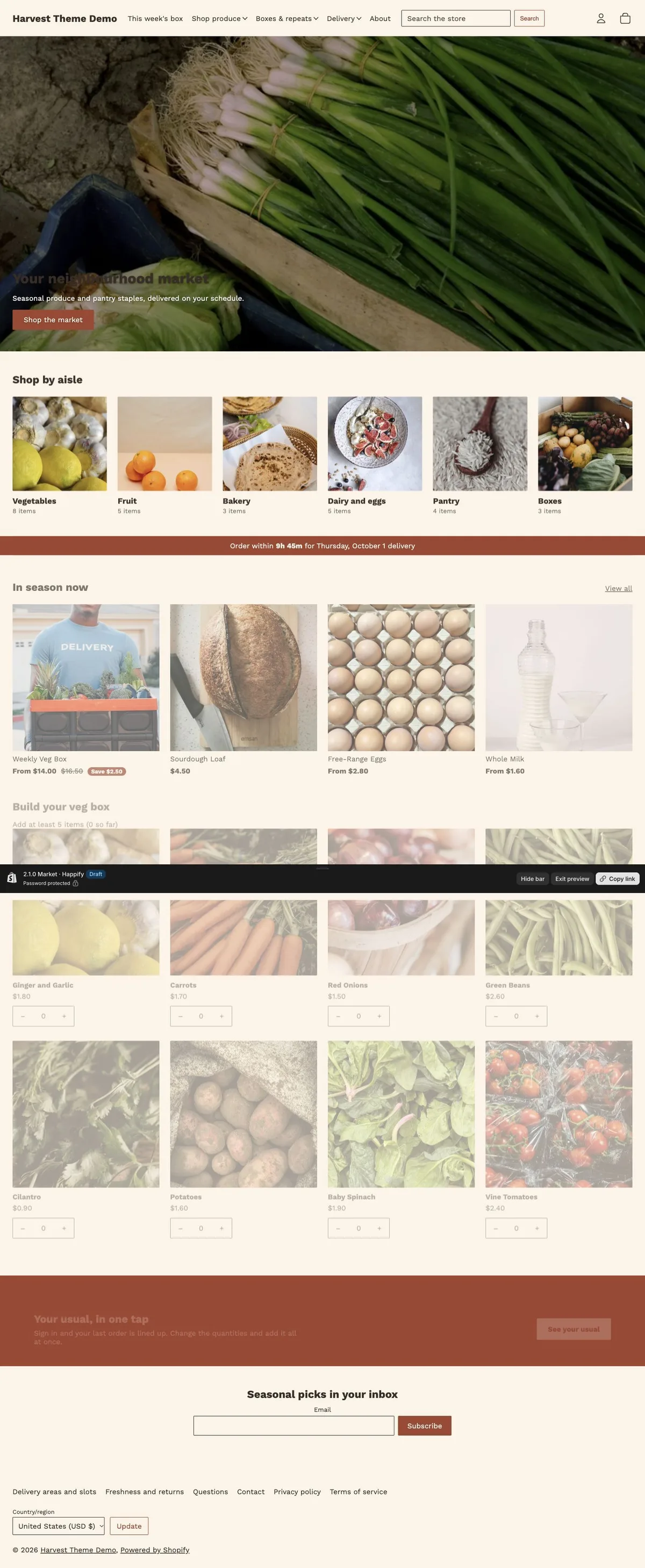

A storefront with its own character
Distinct typography, color schemes and merchandising layouts give each preset a clear starting point.
Loading...
Part of Harvest · Fresh groceries, delivered on your schedule.
A neighbourhood market in warm terracotta, with departments and everyday essentials up front.
Distinct typography, color schemes and merchandising layouts give each preset a clear starting point.
Responsive product grids and collection navigation help shoppers find the right product.
Product photography, variant choices and buying tools keep useful information close to the purchase.
The tools included in Harvest, across all three presets.
Configure delivery rules and product collections. Delivery fields are saved as cart attributes; checkout rates and fulfilment automation require the relevant Shopify or app configuration. See the setup guide for requirements.
Harvest comes with 3 ready-made designs for your store, including Market.
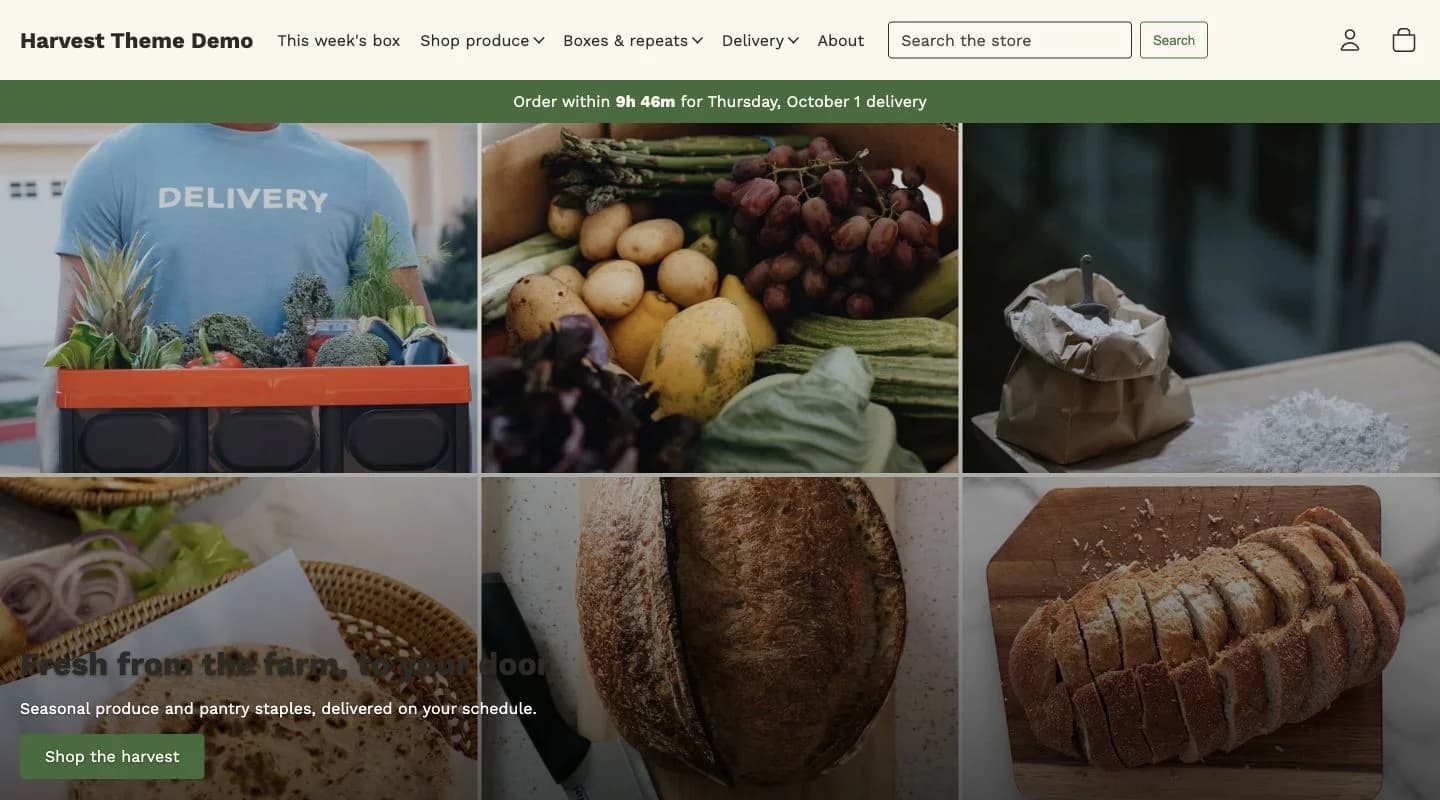 Harvest
Farm-to-door groceries, with a produce mosaic and delivery-first navigation.
Open Harvest demo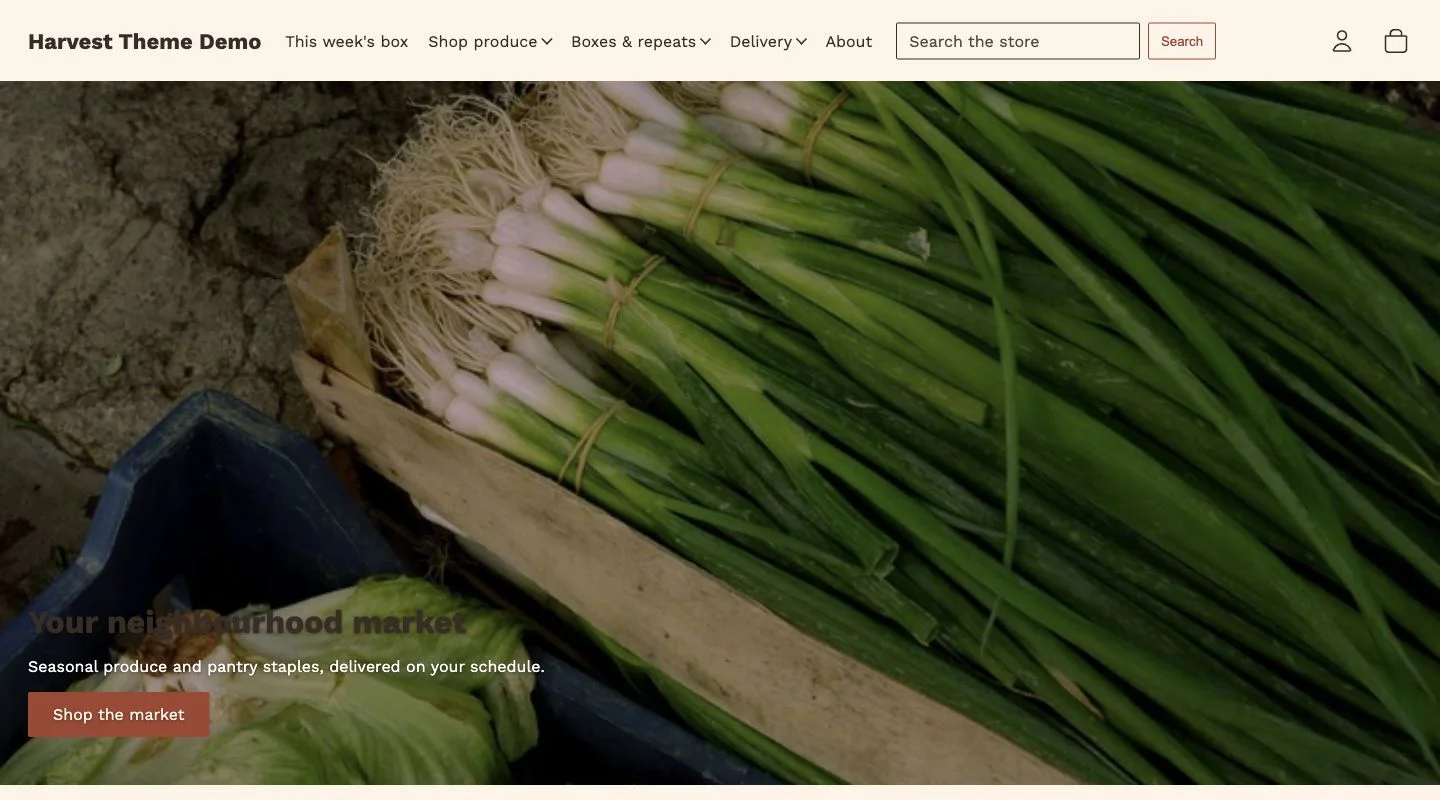 Market
A neighbourhood market in warm terracotta, with departments and everyday essentials up front.
Open Market demo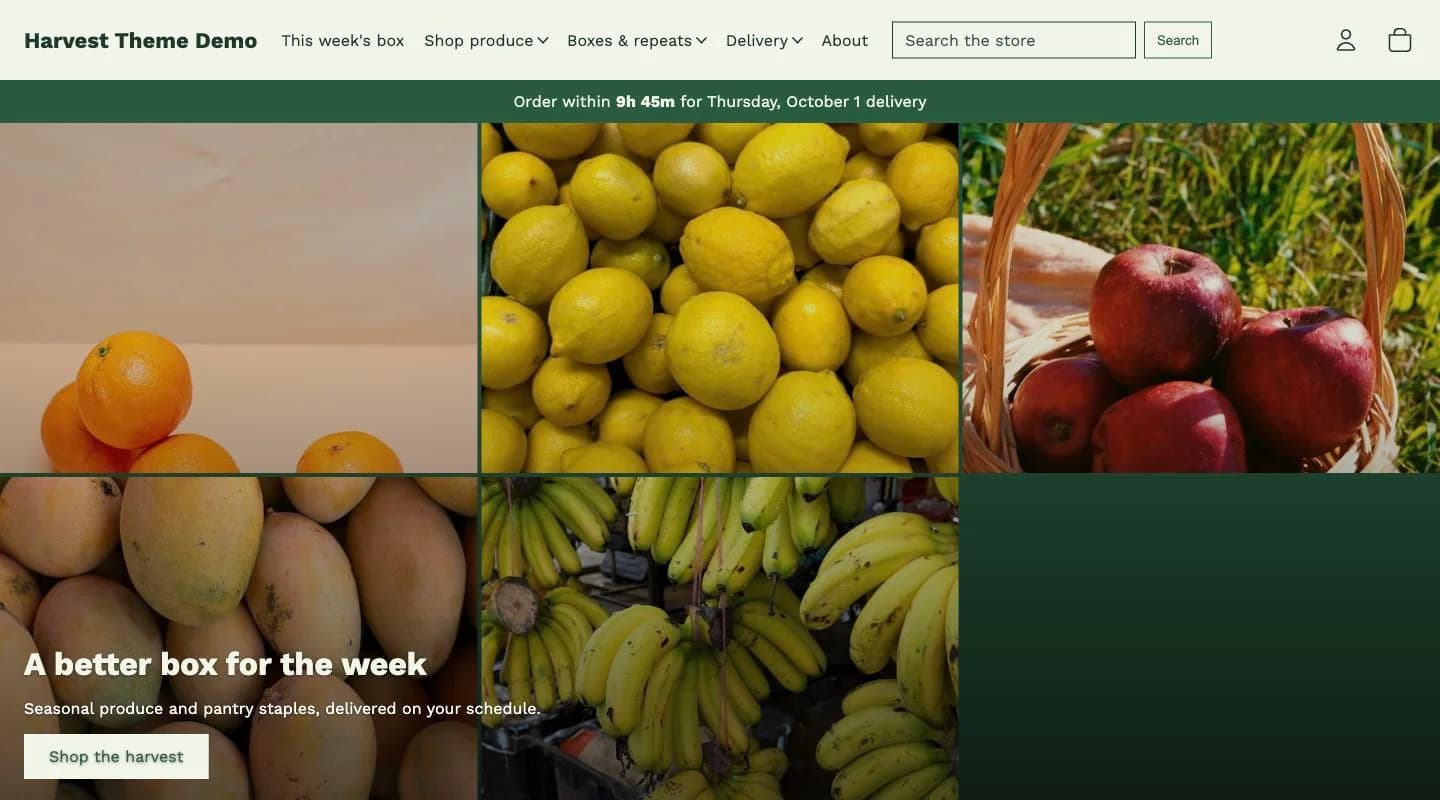 Orchard
Seasonal boxes in deep green, with a basket builder and fresh weekly selections.
Open Orchard demoThere are no verified merchant reviews to display yet.
Documentation updated September 30, 2026
Harvest 2.1.0 uses Shopify Skeleton. Preset layouts and compatible product configuration are covered in the documentation.
Settings, sections and buying tools explained.
View documentationNeed installation help? Explore the matching store kit.
HappifyApps · Udaan Technologies Pvt. Ltd.
support@happifyapps.comSupport replies within 2 business days.
All Happify themesThe selected delivery date and slot are stored as cart attributes. Configure your delivery calendar in the theme settings, and connect fulfilment tools separately if you need automated run sheets.
Choose a collection and optional minimum item count. Shoppers select quantities in the grid and add the selected items to the cart together.
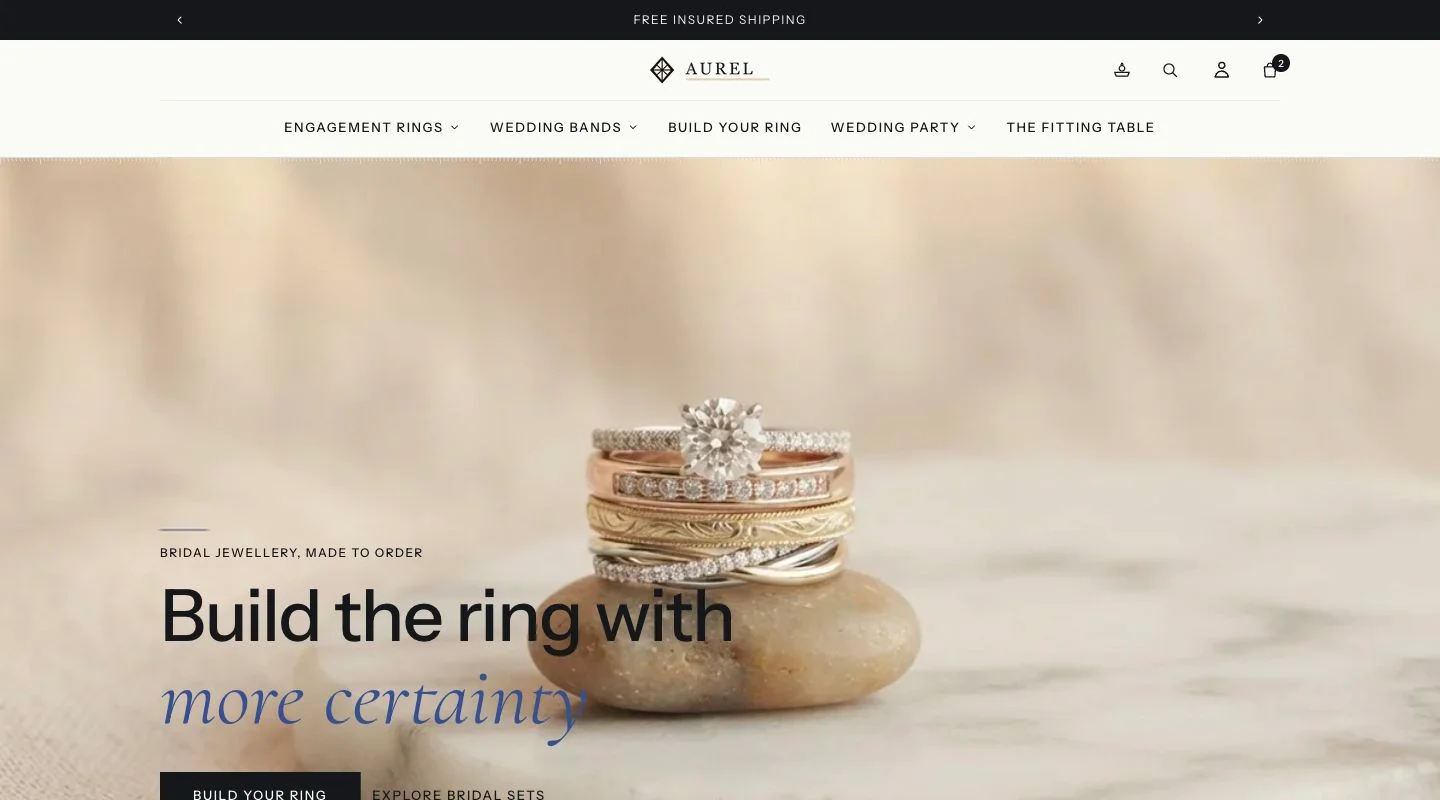 Aurel
AurelJewellery, watches and luxury
Aurel configured for a jewellery brand, with branded invoices and gift-safe packing slips, an installable store app, and repeat-purchase timing for gifts and anniversaries.
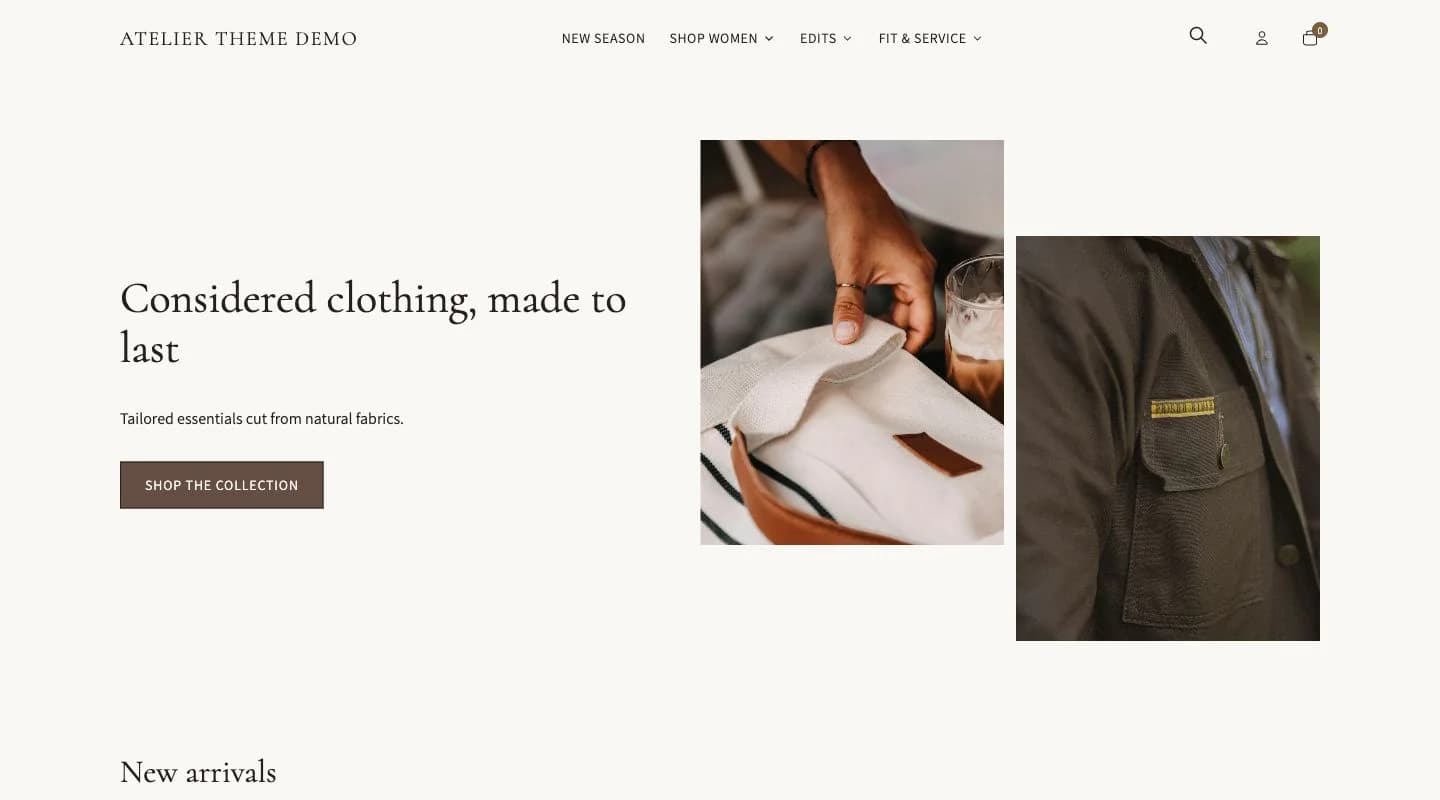 Atelier
Fashion and apparel
Atelier configured for an apparel brand: size charts and fit guidance on the product page, lookbooks and shop-the-look, colour swatches with images, and inventory intelligence for size and colour variants.
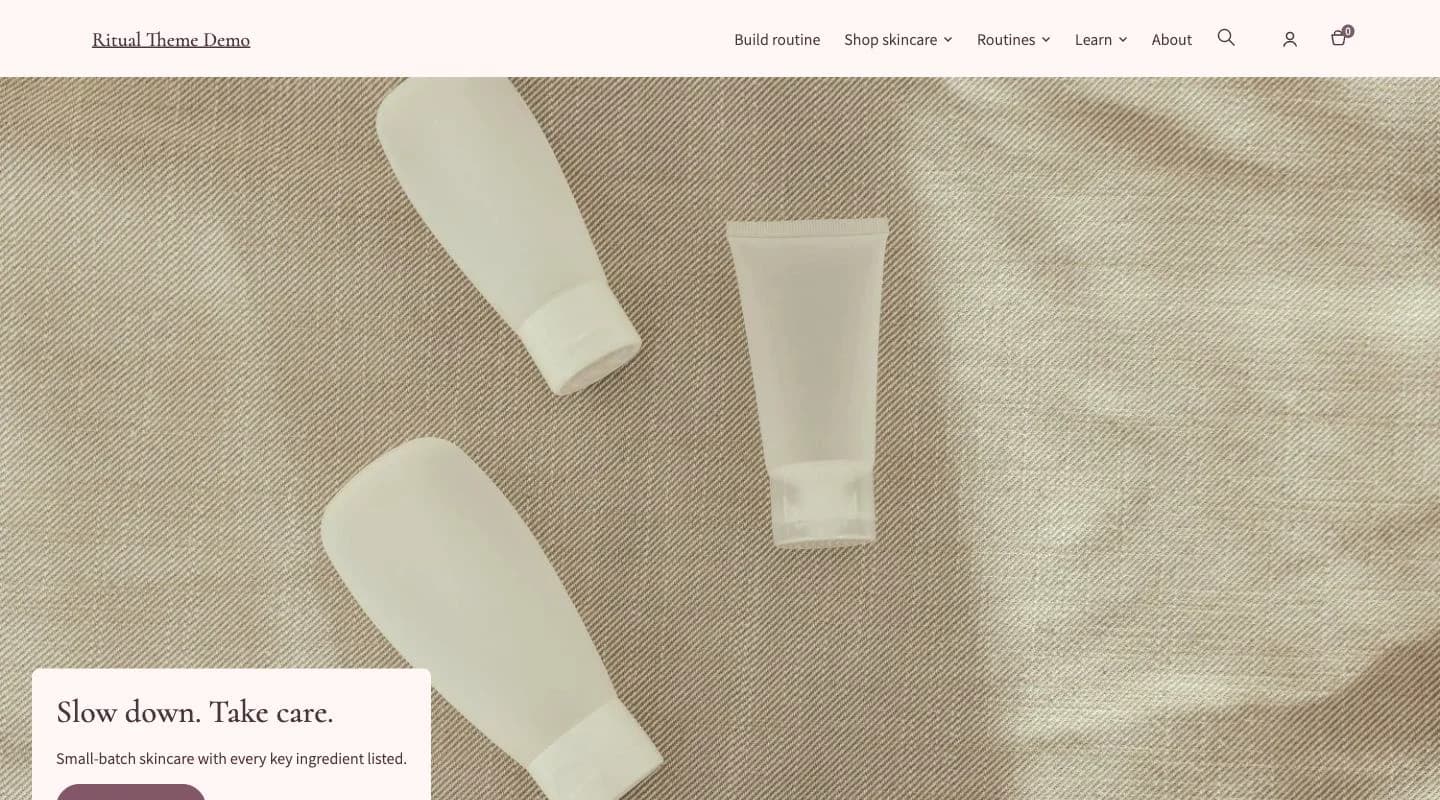 Ritual
Beauty and skincare
Ritual configured for a skincare or cosmetics brand: routine builders, ingredient and shade finders, subscription-ready product blocks, and replenishment reminders.
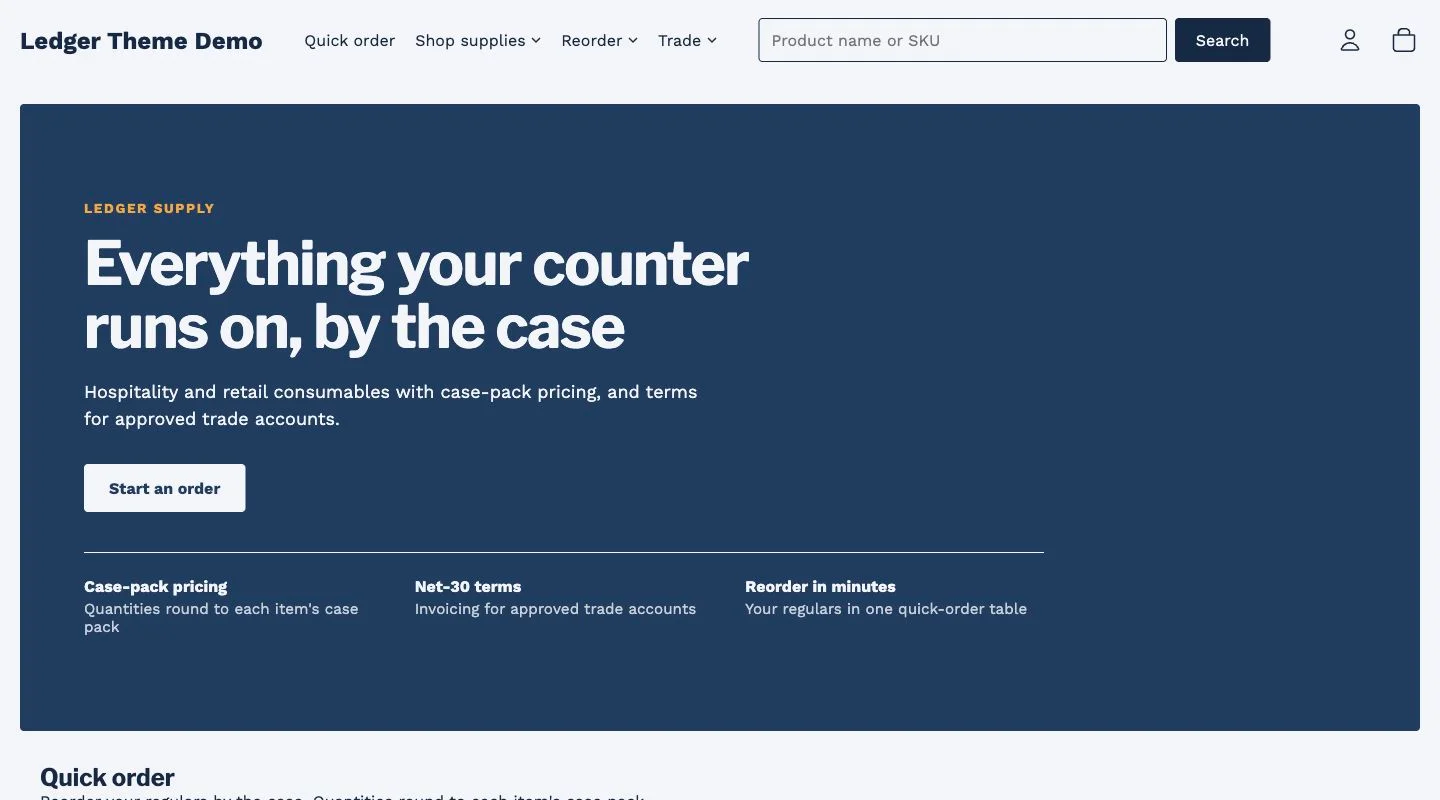 Ledger
B2B and wholesale
Ledger configured for wholesale: company accounts, quantity breaks, quick order, quote requests and net-terms messaging built on Shopify B2B.
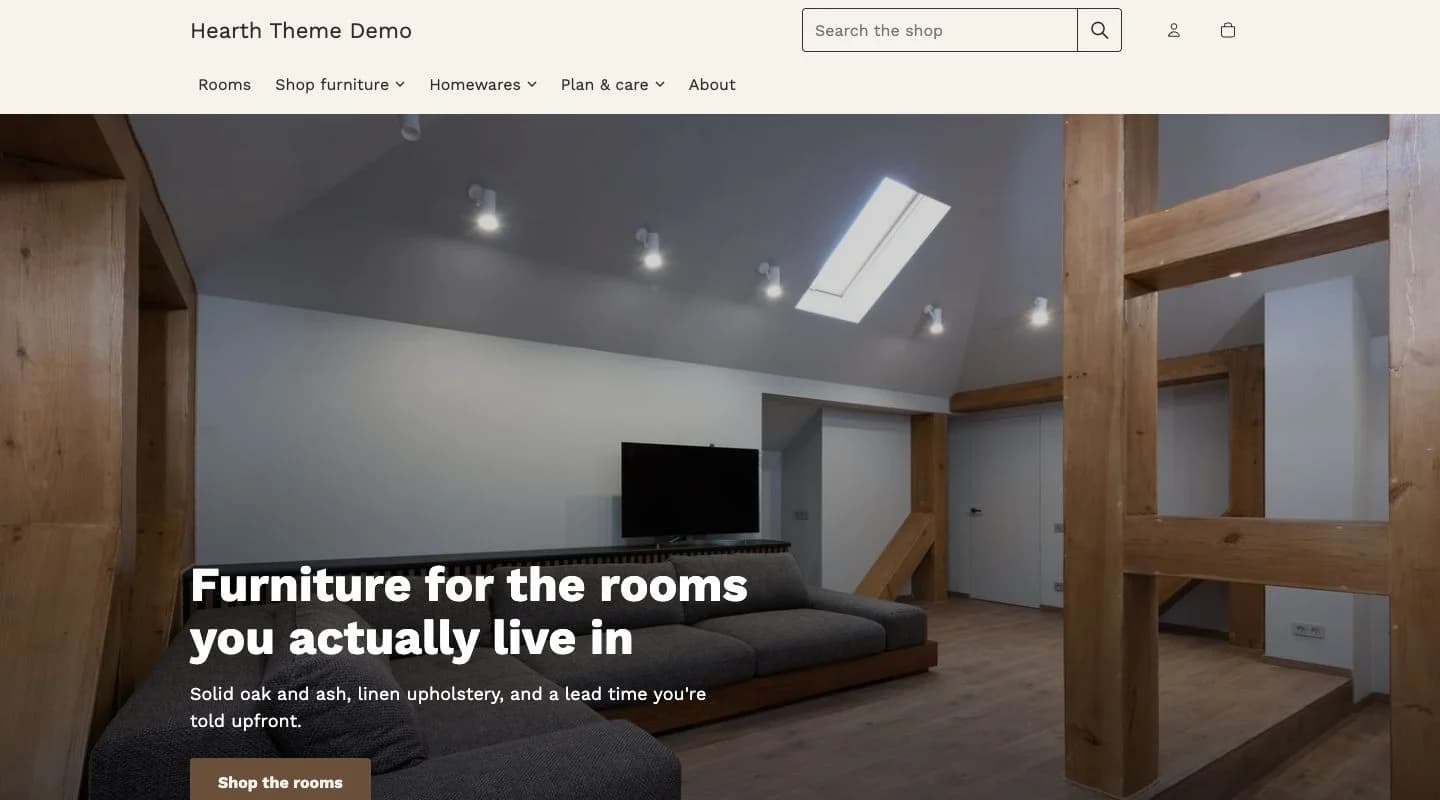 Hearth
Home and furniture
Hearth configured for home and furniture: large-format imagery, swatch and sample ordering, room-set sections, and delivery lead times per variant.