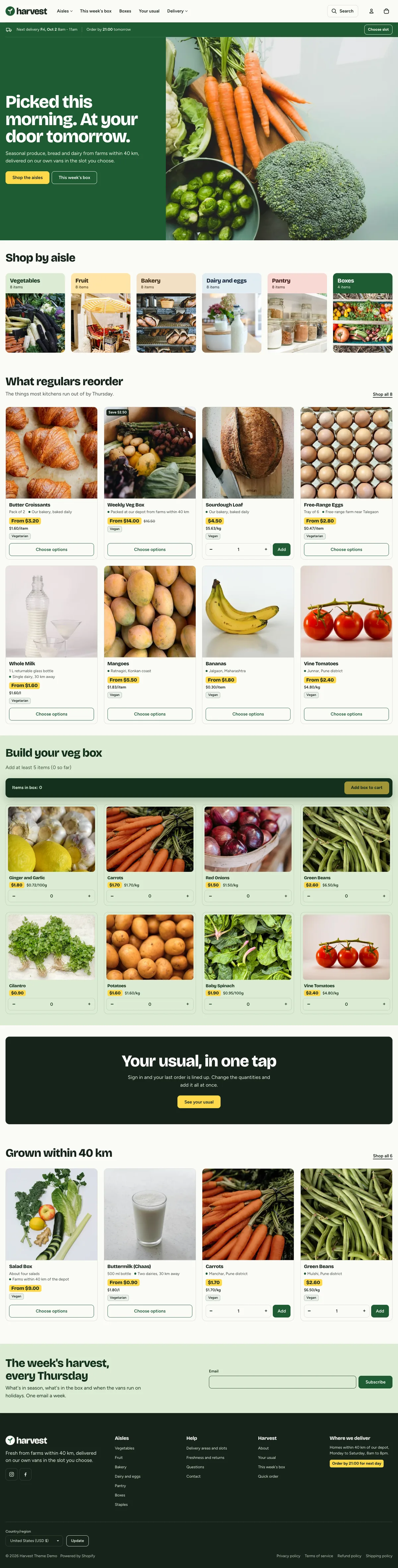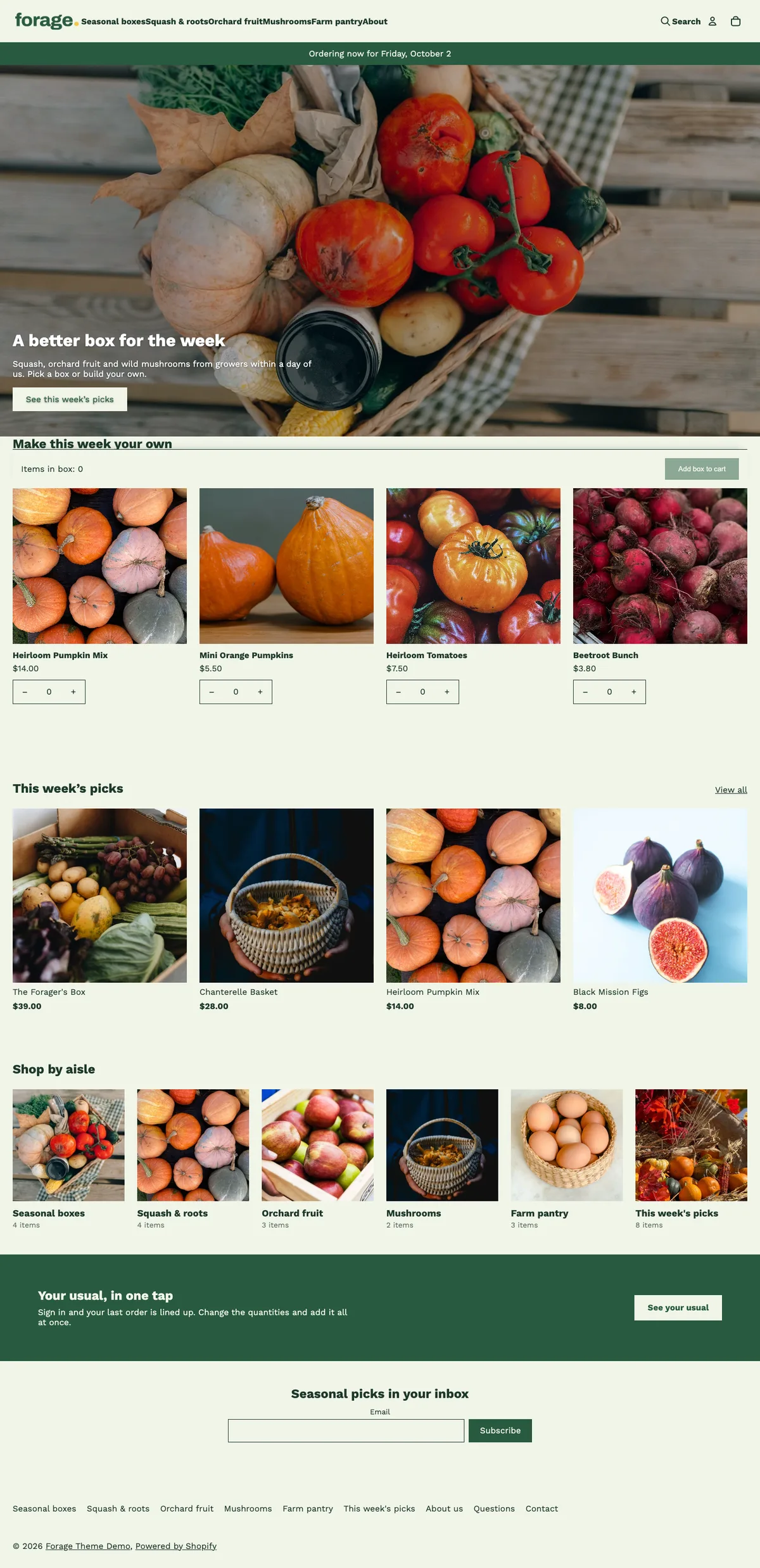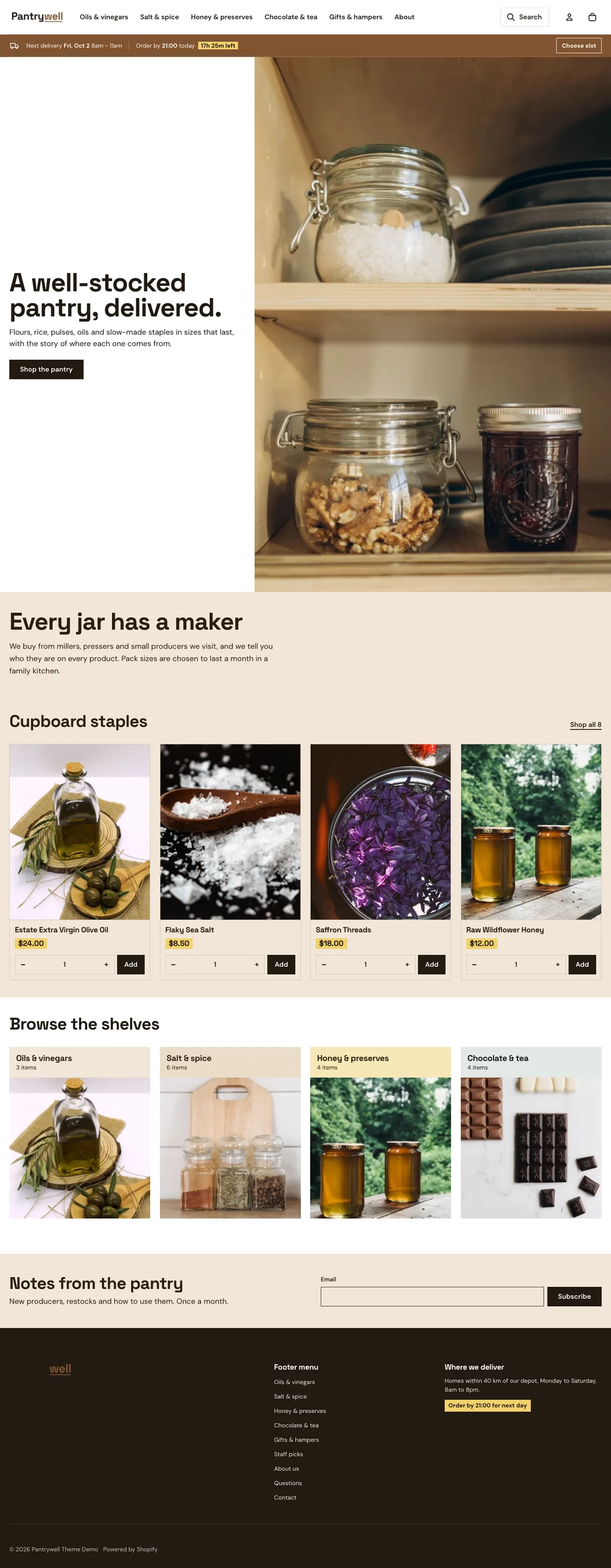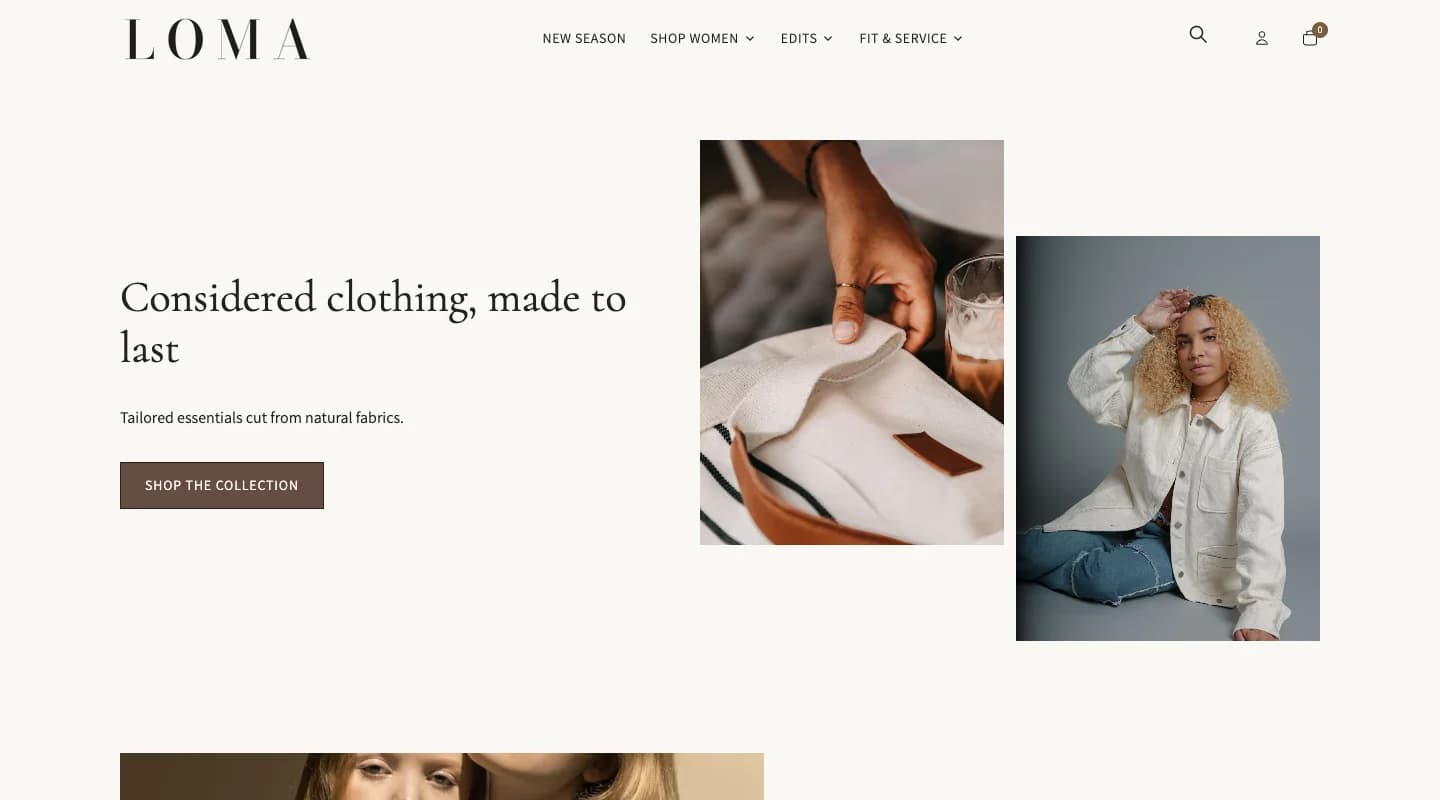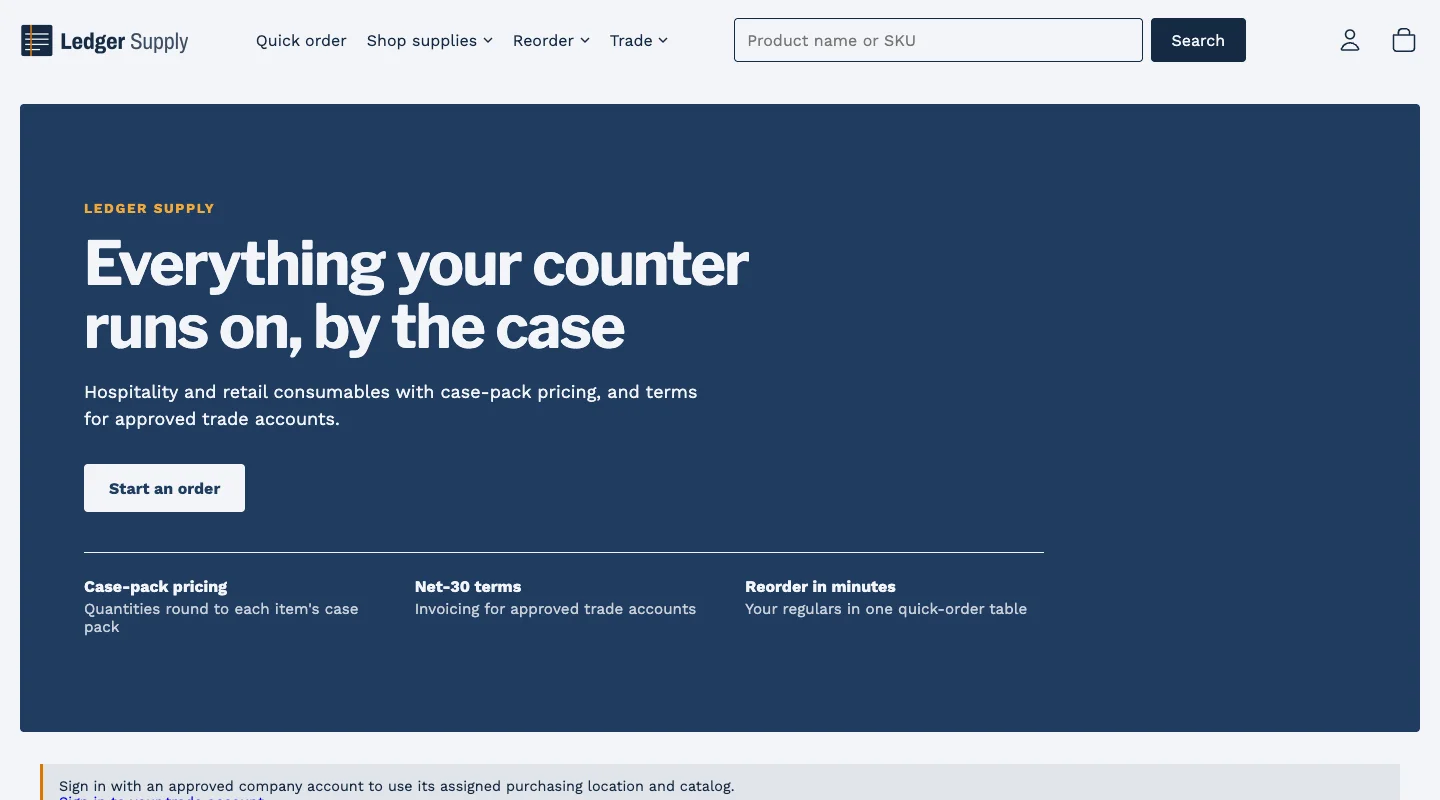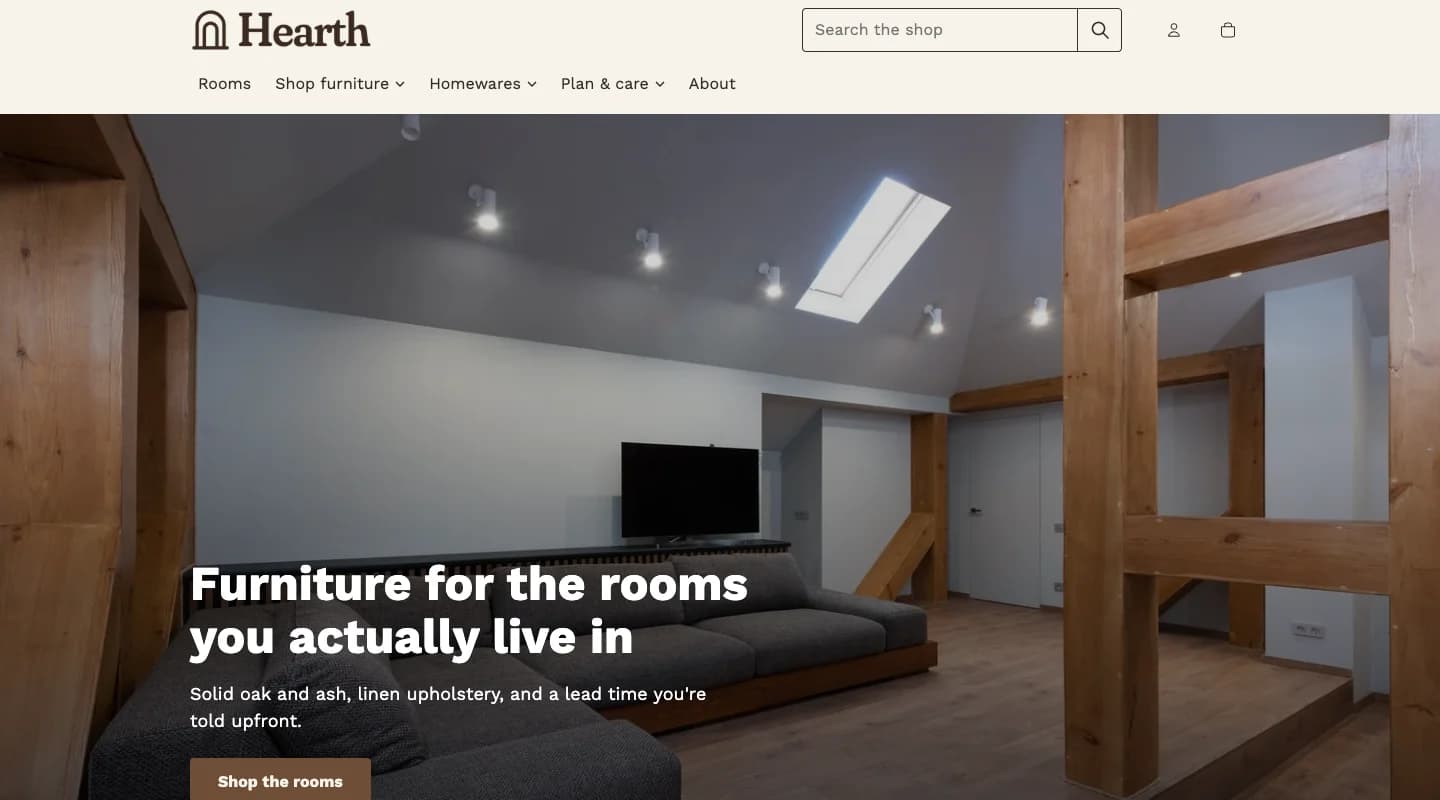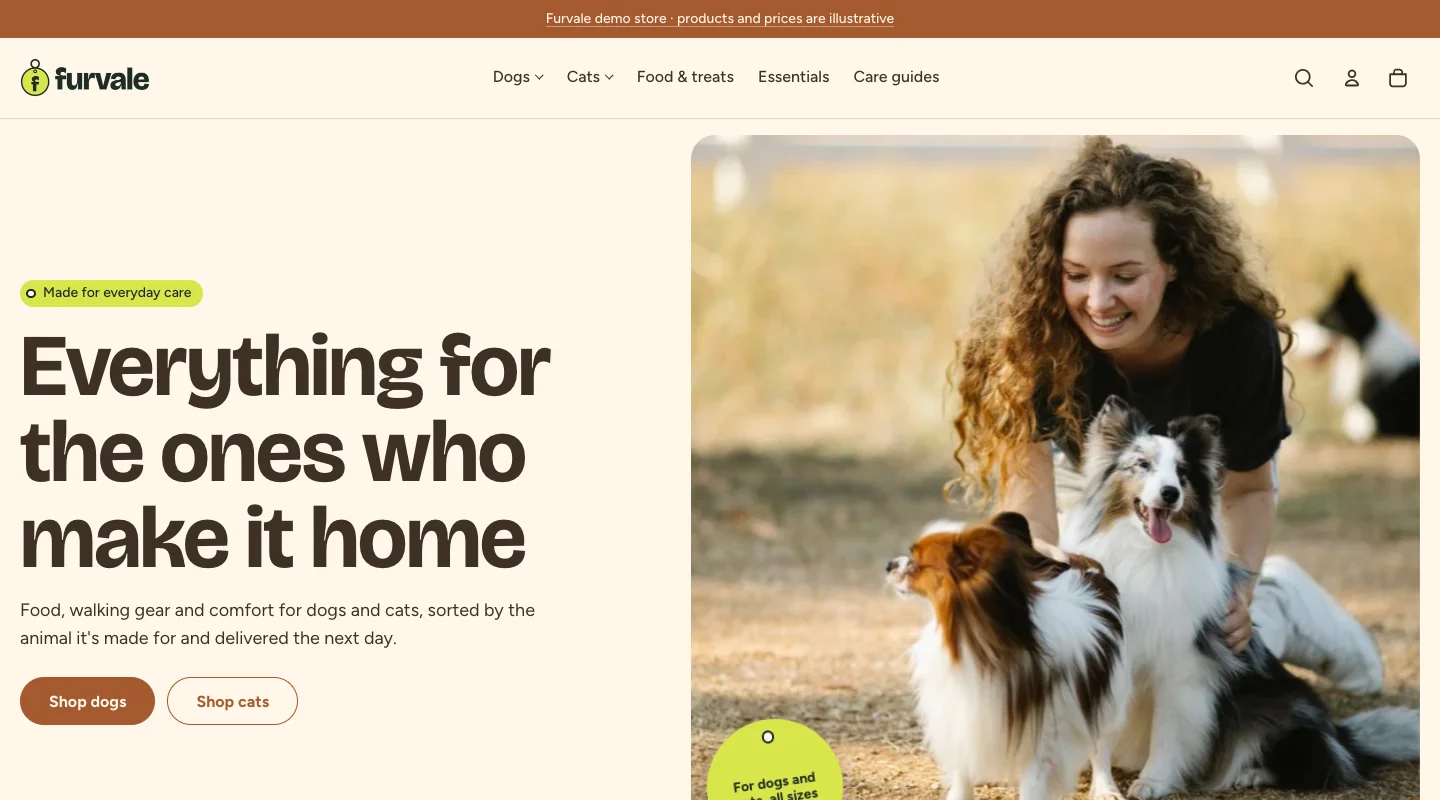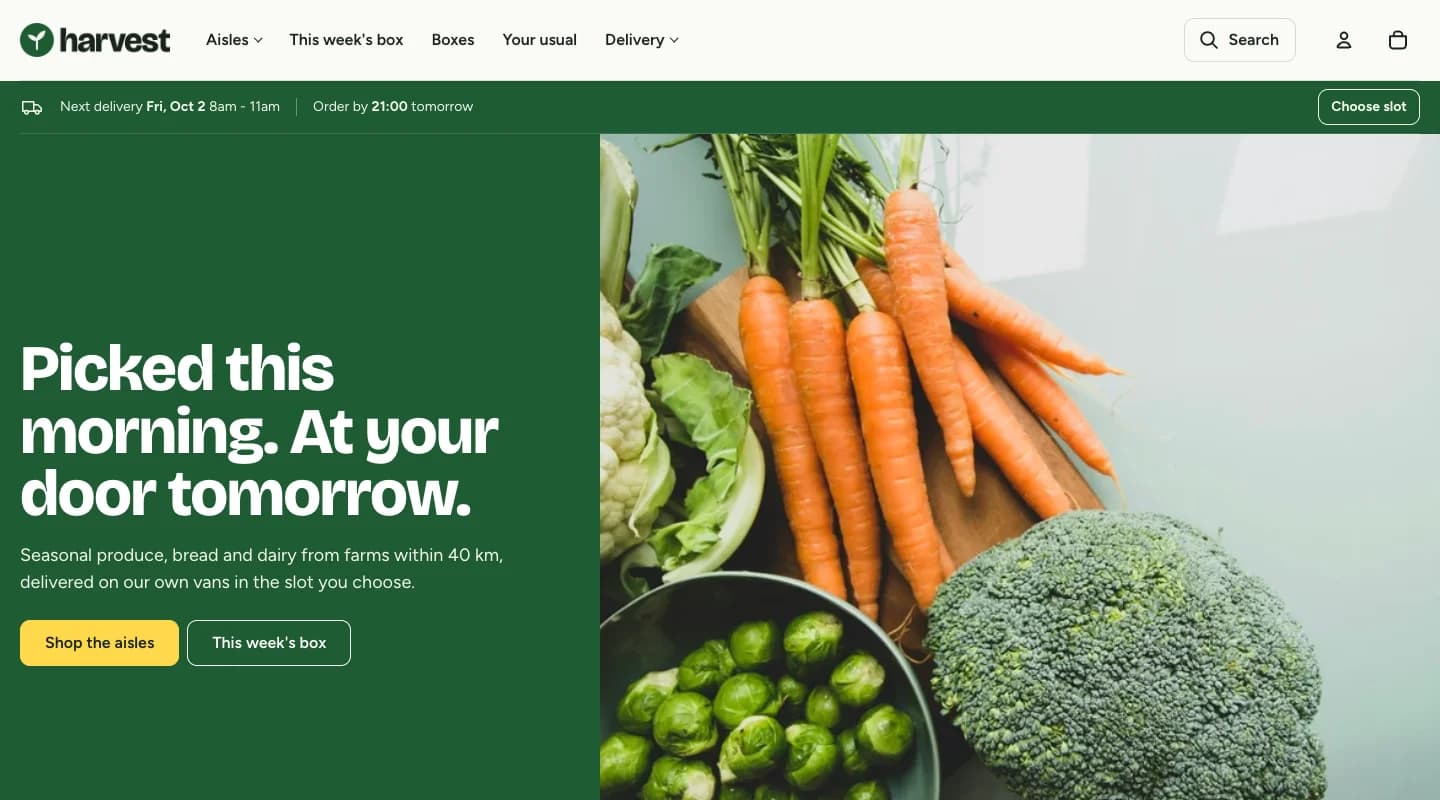
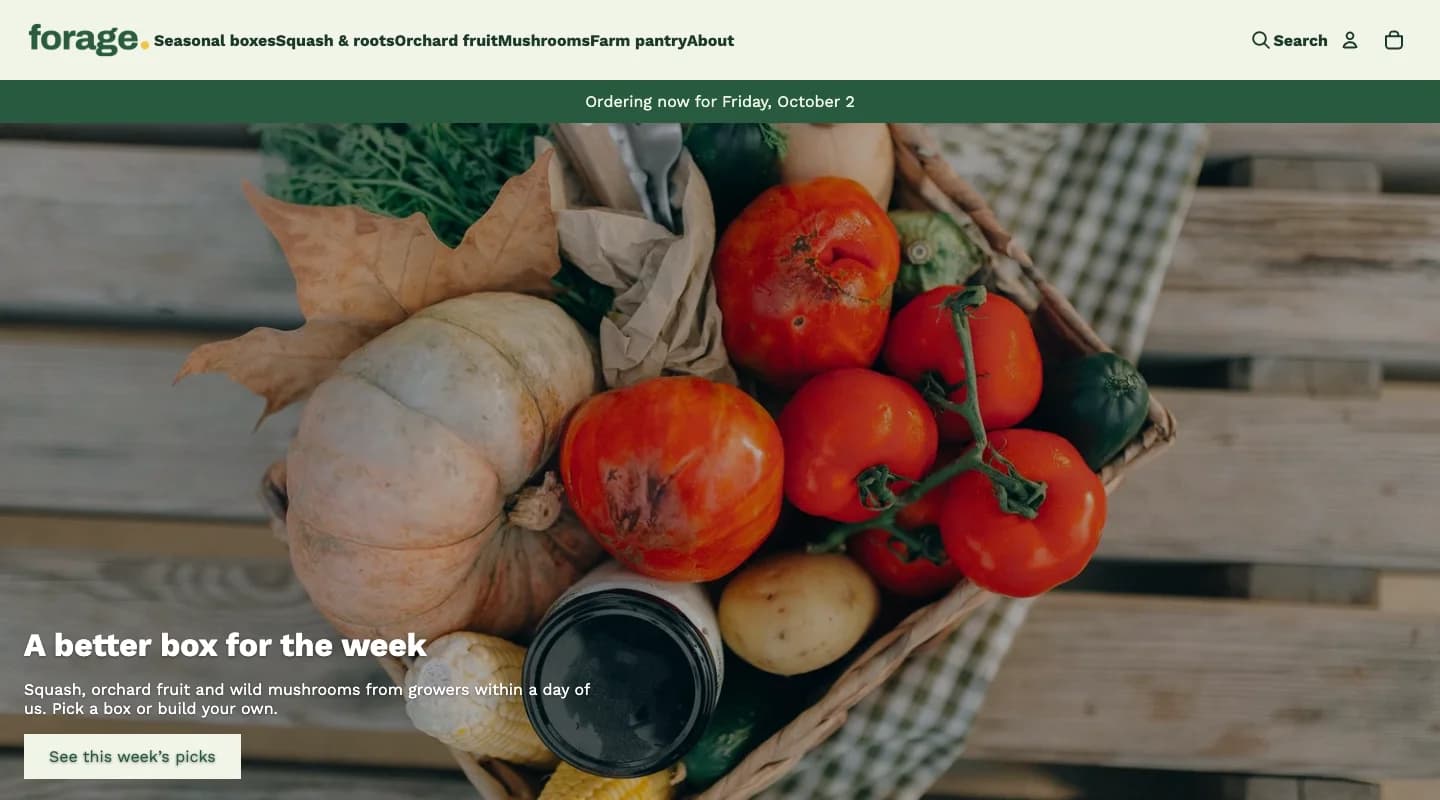
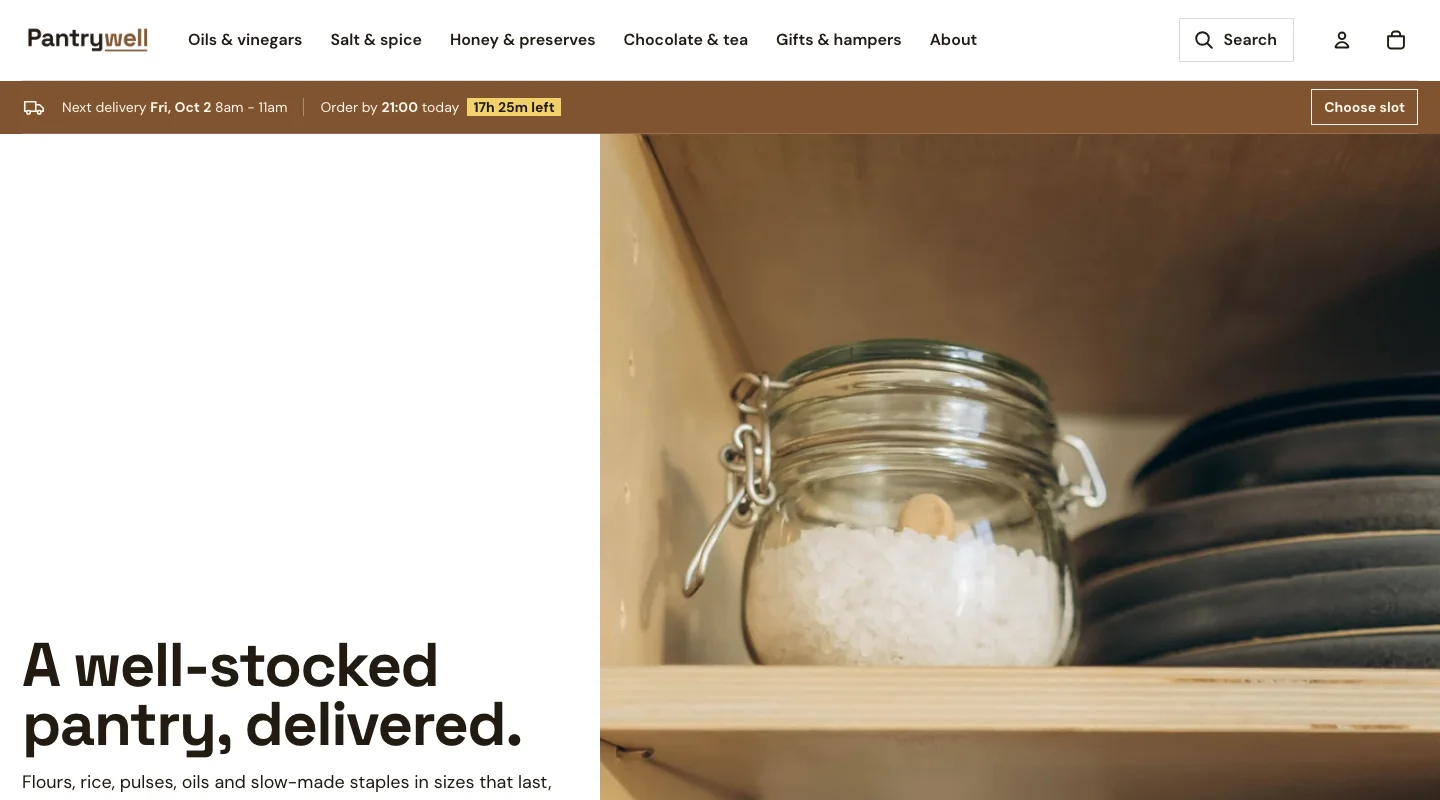
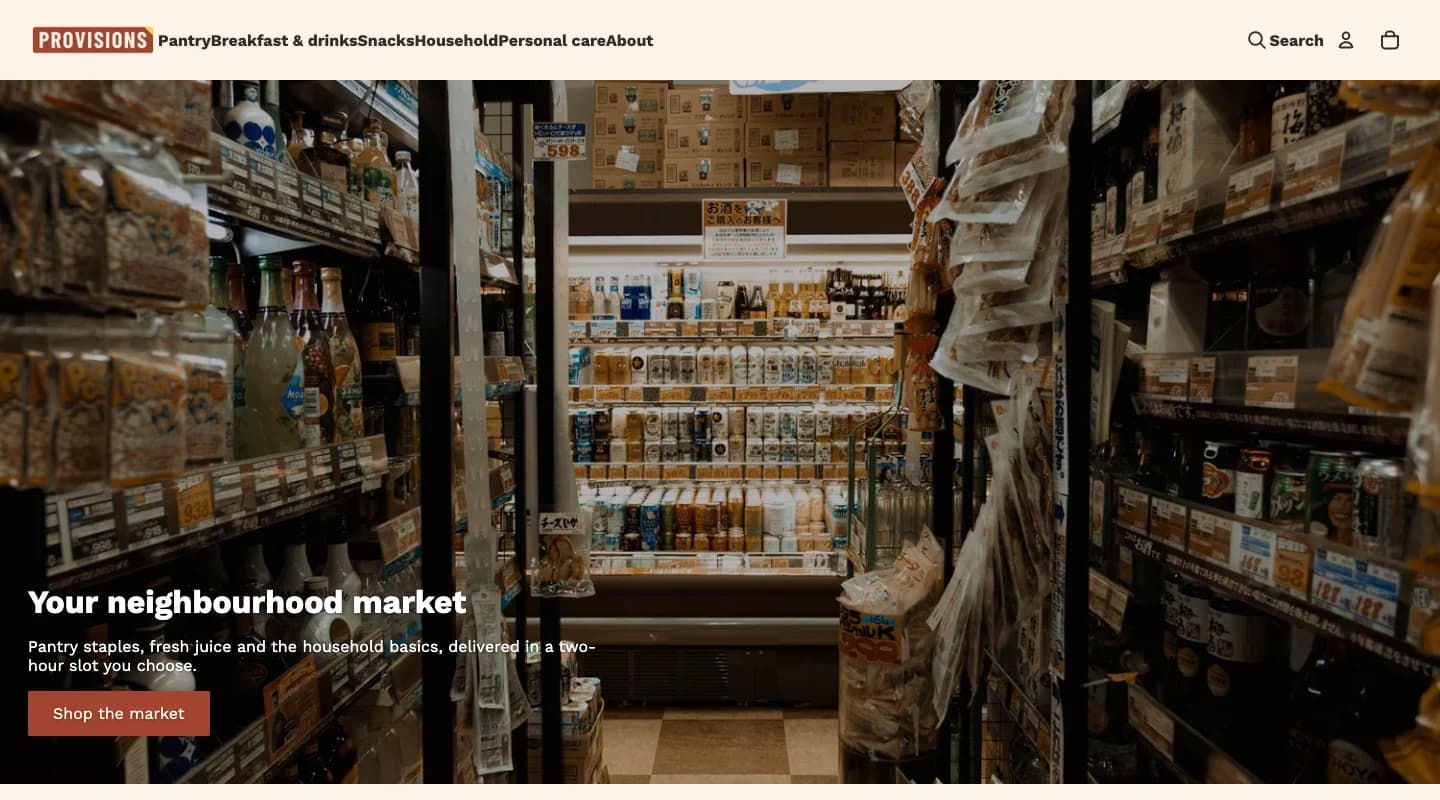
A storefront with its own character
Distinct typography, color schemes and merchandising layouts give each preset a clear starting point.
happifyView Provisions demo store 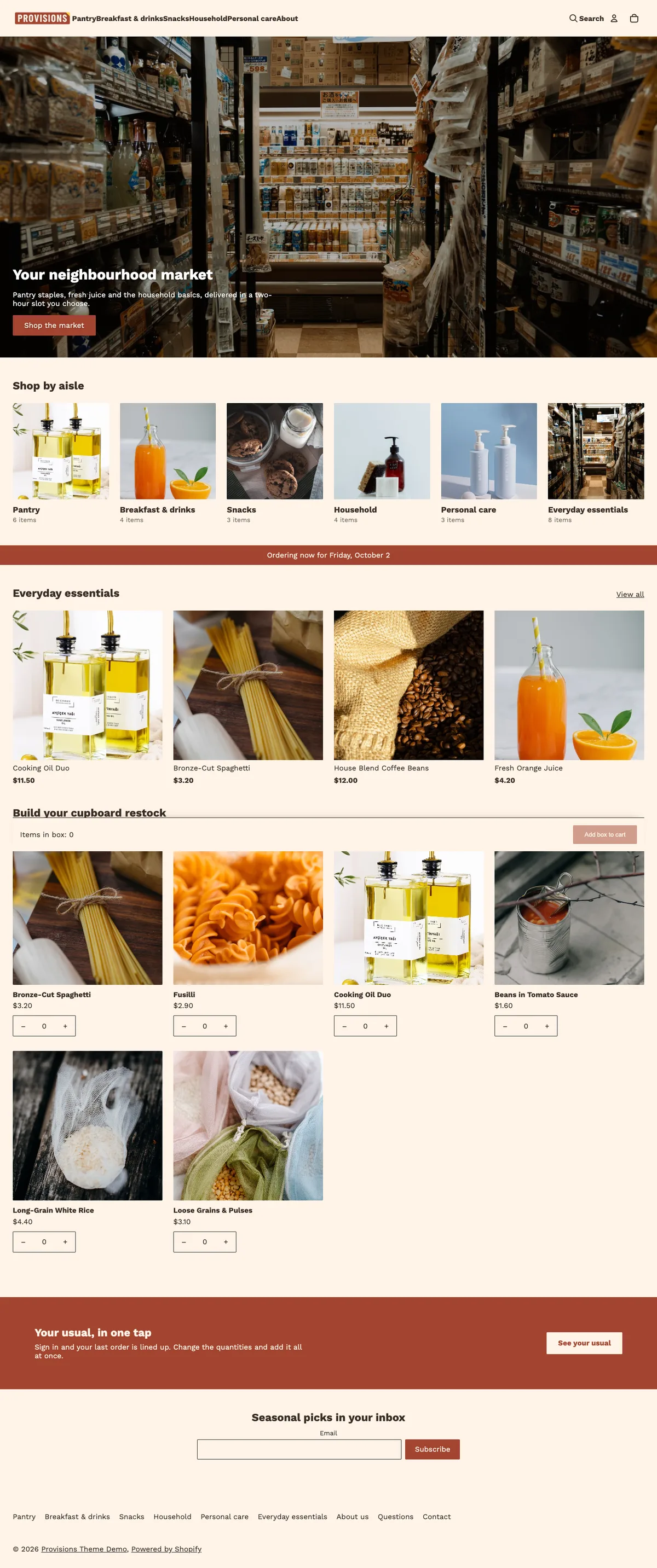

Hover or scroll inside the preview to see the whole page.
Part of Harvest · Fresh groceries, delivered on your schedule.
A neighbourhood market in warm terracotta, with departments and everyday essentials up front.
Distinct typography, color schemes and merchandising layouts give each preset a clear starting point.
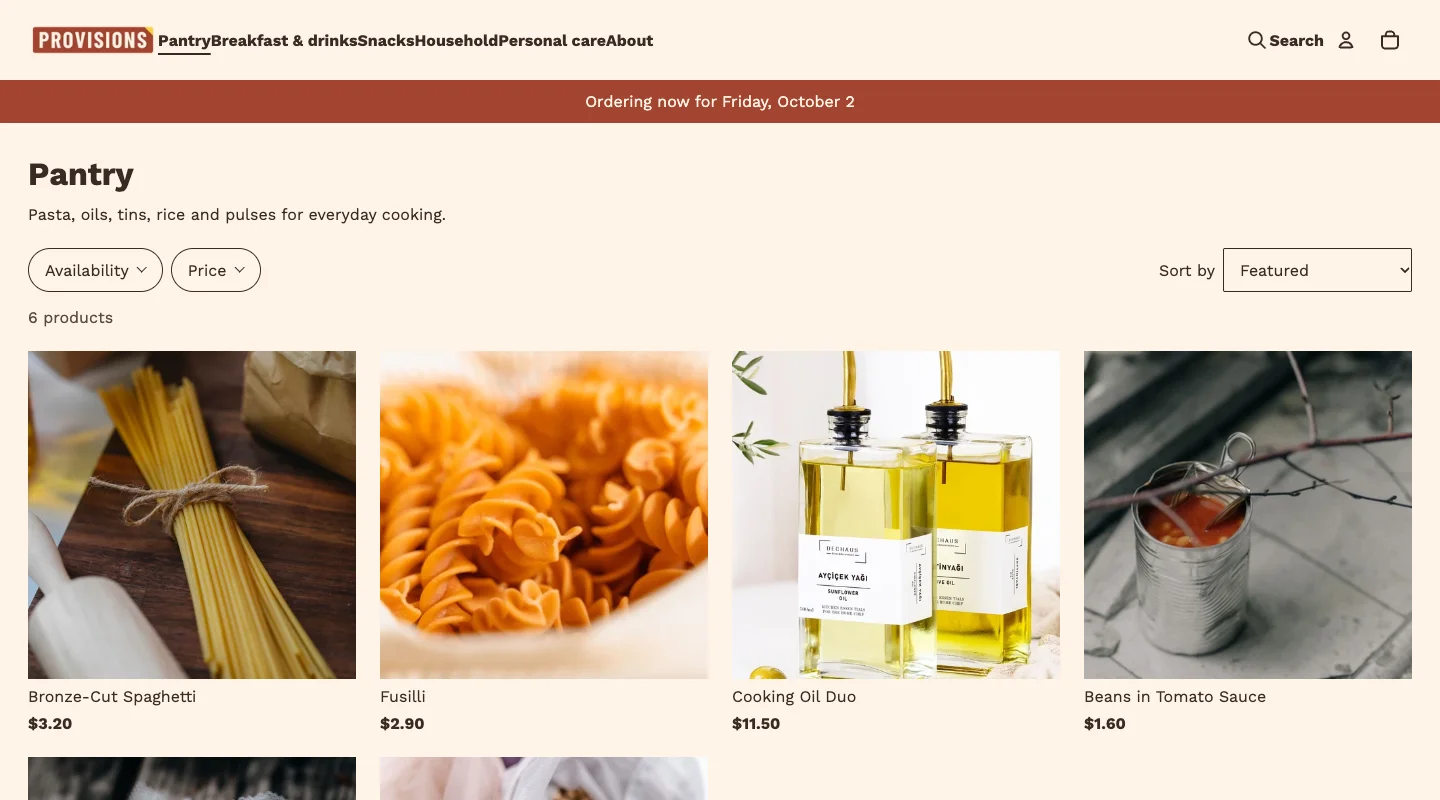
Responsive product grids and collection navigation help shoppers find the right product.
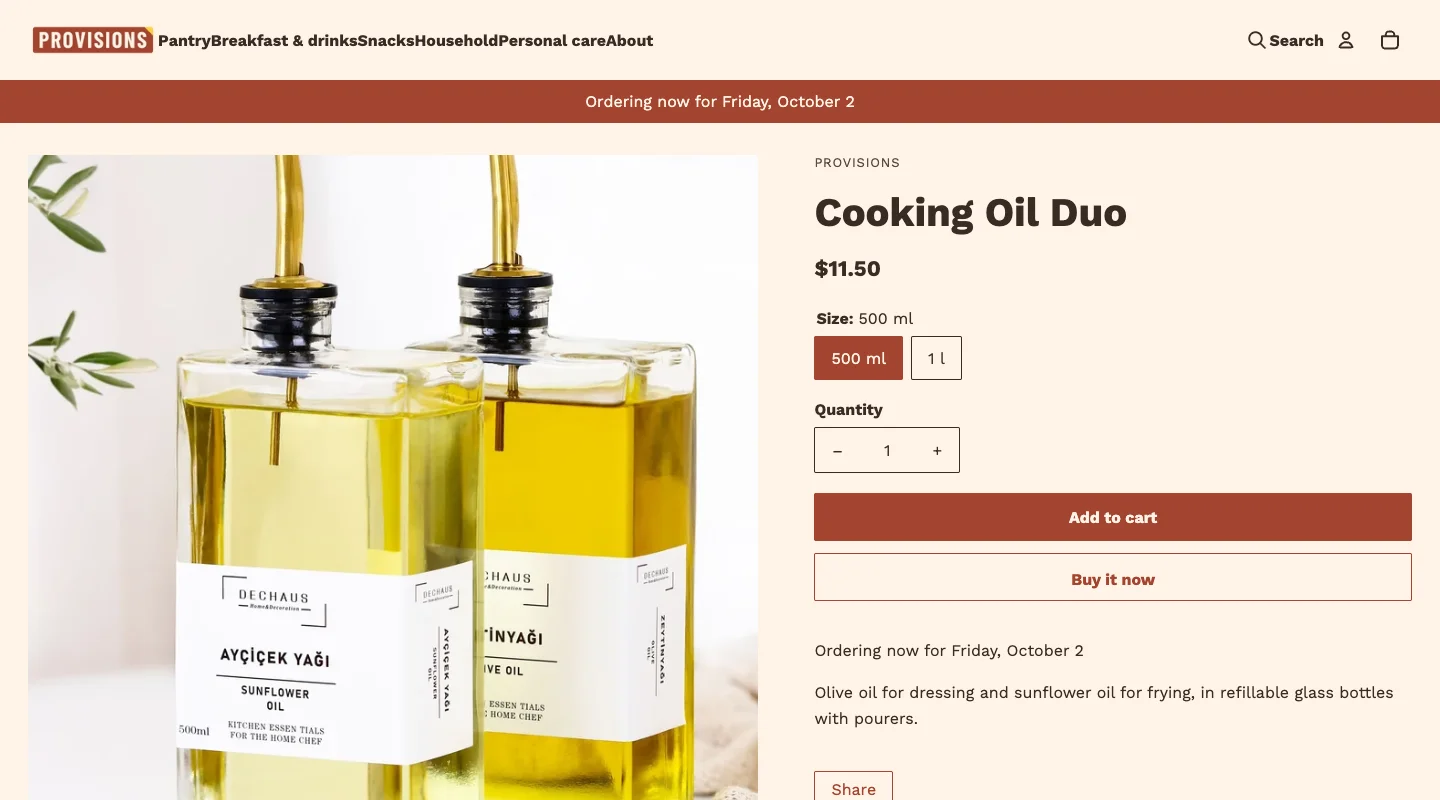
Product photography, variant choices and buying tools keep useful information close to the purchase.
Theme features
Browse the storefront and category-specific tools by Shopify feature category.
Configure delivery rules and product collections. Delivery fields are saved as cart attributes; checkout rates and fulfilment automation require the relevant Shopify or app configuration. See the setup guide for requirements.
Some features need merchant content, product data, or Shopify settings. The theme uses configured store data and does not invent stock, pickup availability, or product details.
Harvest comes with 4 ready-made designs for your store.
There are no verified merchant reviews to display yet.
HappifyApps support
Useful guidance for configuring and maintaining Harvest.
CURRENT RELEASE
Updated September 30, 2026.
Read release notesSETUP GUIDE
Find guidance for theme settings, sections, product data and storefront setup.
Open Harvest documentationBuilding a full store? Explore the matching store kit.
HUMAN SUPPORT
Send your store URL and a screenshot. We reply within 2 business days.
Submit a support requestOr email admin@happifyapps.com.
The selected delivery date and slot are stored as cart attributes. Configure your delivery calendar in the theme settings, and connect fulfilment tools separately if you need automated run sheets.
Choose a collection and optional minimum item count. Shoppers select quantities in the grid and add the selected items to the cart together.
Harvest reads Shopify's native unit price fields. Set the unit price and unit price measurement on each variant, and the shelf-label card plus product page render the price per kg or per 100 g automatically.